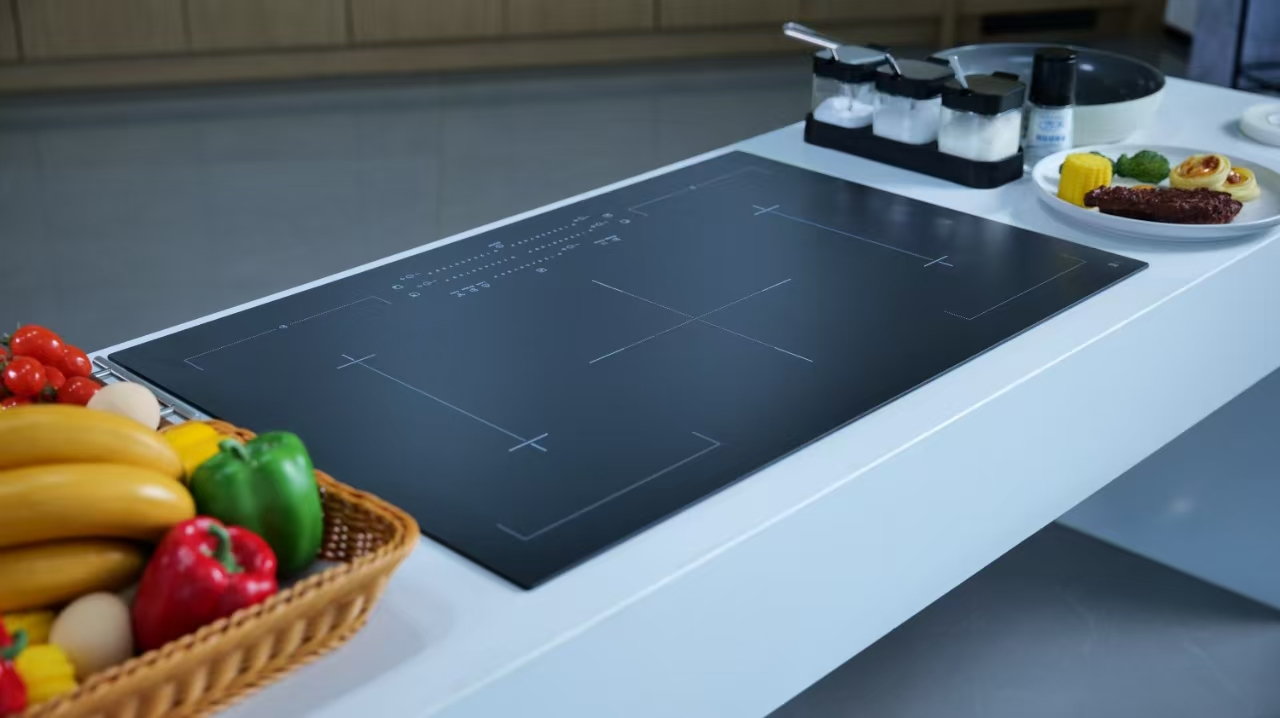
An oven-door drawing should give every glass pane a position, installed orientation, adjacent interfaces, revision reference, and a clear owner for unresolved questions before the enquiry moves to a supplier review.
The phrase “oven door glass” is too broad to tell a buyer which panel is being discussed. A usable review begins with the current door section and treats every visible pane as an identified item in that document.

A pane-role drawing answers “which piece is this, where does it sit, and what does it meet?” It does not turn a generic material description into a complete door construction. A position label is useful only when a reviewer can find the same item in the installed view and the associated revision.
That distinction matters when different teams use different language for a front, inner, middle, viewing, or protective pane. Rather than resolve those terms by assumption, connect each term to the door section, a directional view, and a reference marker. ASME’s Y14.5 overview is useful background on controlled geometric communication; it is not a requirement for a particular appliance program.
Important: A position note does not confirm heat duty, material suitability, appliance certification, or replacement fit. Those decisions require the applicable project evidence. — Source: ISO standards catalogue
Begin by placing the door in the orientation that the appliance team uses for review. Mark the customer-facing side, the cavity-facing side, the hinge or handle reference, and any opening that changes how the glass is understood. This avoids a common handoff error: two people use the same word “inner” while looking from opposite sides.
Next, give each pane a neutral identifier such as Pane A, Pane B, or the identifier already used in the controlled drawing. The name can travel through sourcing, sample review, and engineering discussion without implying a material or performance that has not been confirmed.
If the scope is a material question rather than a role question, use the oven-door material guide as a separate discussion. It should not overwrite the door-section ownership in this review.
A pane does not sit alone in the assembly. The review should show the neighbouring frame, retention feature, seal location when shown, printed or obscured area when shown, and any opening or edge that needs a separate owner. The goal is to expose questions while they are still drawing questions.
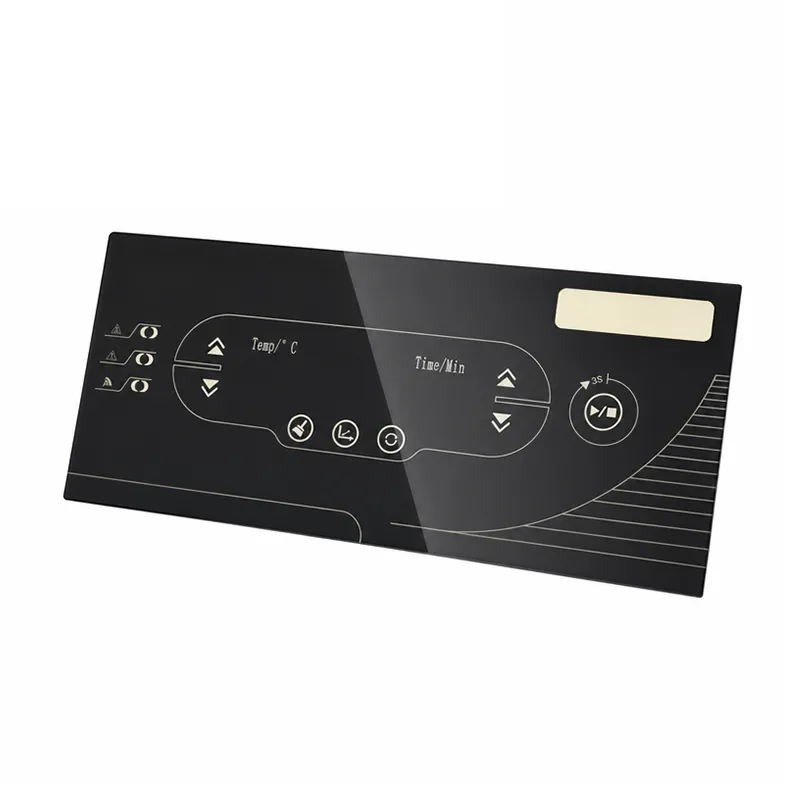
Use wording that records an observation rather than inventing a requirement. For example, “interface shown on revision B” is safer than declaring that a particular edge construction is suitable. SCHOTT’s glass-ceramic materials overview provides material-family context, but no material name assigns interfaces for a specific door.
The RFQ needs enough structure for a supplier to know what is settled and what remains open. Keep the following fields with the inquiry rather than scattering them through email descriptions.
| Drawing-review field | Why it belongs in this enquiry |
|---|---|
| Controlled drawing revision | Connects the pane-role review to one defined document. |
| Installed orientation | Prevents front/back language from changing between reviewers. |
| Pane identifiers | Lets every question point to one visible component. |
| Interface callouts | Shows which adjacent features need confirmation. |
| Open decision owner | Keeps an unresolved point with the responsible function. |
| Requested supplier response | States whether the next step is feasibility feedback, a document review, or another sample discussion. |
This is a traceability aid, not a universal manufacturing specification. For inspection data that require their own project basis, see the oven glass-panel inspection-input guide.
One pane may prompt a material discussion, while another may prompt a visibility or interface discussion. Mixing every question into a single label such as “heat-resistant glass” removes the context needed to answer either one properly.
Keep the two decisions parallel. The pane-role record says where the component appears in the drawing. The material-review record asks which evidence, conditions, and application details are needed before a supplier can comment. SCHOTT ROBAX information illustrates why application glass is described within a defined product context; it does not create an equivalence or a performance promise for another supplier.
An open item deserves a visible status, an owner, and a decision route. Typical examples include an unclear installed orientation, an interface omitted from the section, a request that mixes material and assembly questions, or a sample that does not match the named revision.
Avoid making the supplier infer the missing decision. Instead, hold the particular question for the drawing owner or project engineering team and state what evidence will close it. That approach keeps the enquiry useful without presenting an incomplete section as a finished build.
Once the drawing has pane identifiers, orientation, interfaces, and open-item ownership, it can accompany an enquiry through the appliance borosilicate glass route. Ask for supplier confirmation against the actual application rather than treating the product page as an assembly drawing.
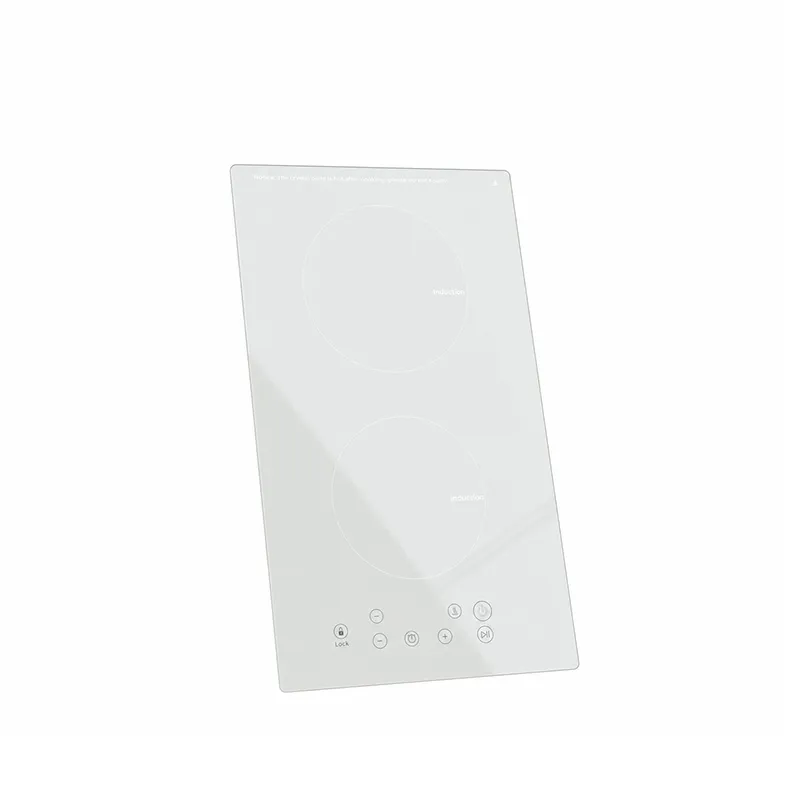
Send the controlled revision, door-section view, pane list, interface notes, and the questions that need a response. If the request concerns another product family, start with the KANGER products overview. For a documented project discussion, contact KANGER.
It means the pane is identifiable by its position, installed orientation, interfaces, and drawing revision. It does not assign a universal material or performance level.
Yes. A stated orientation gives teams a shared reference for words such as front, inner, and cavity-facing.
No. A material name may start a separate selection discussion, but it does not show where a particular pane sits or what interfaces it has.
Include the controlled revision, installed orientation, pane identifiers, interface callouts, open-item owner, and the response you need from the supplier.
No. It provides a drawing-review method and does not prescribe layer count, dimensions, material assignment, testing, or certification.
Escalate it when the drawing cannot show the orientation, interface, role, or project requirement needed for a reliable response.