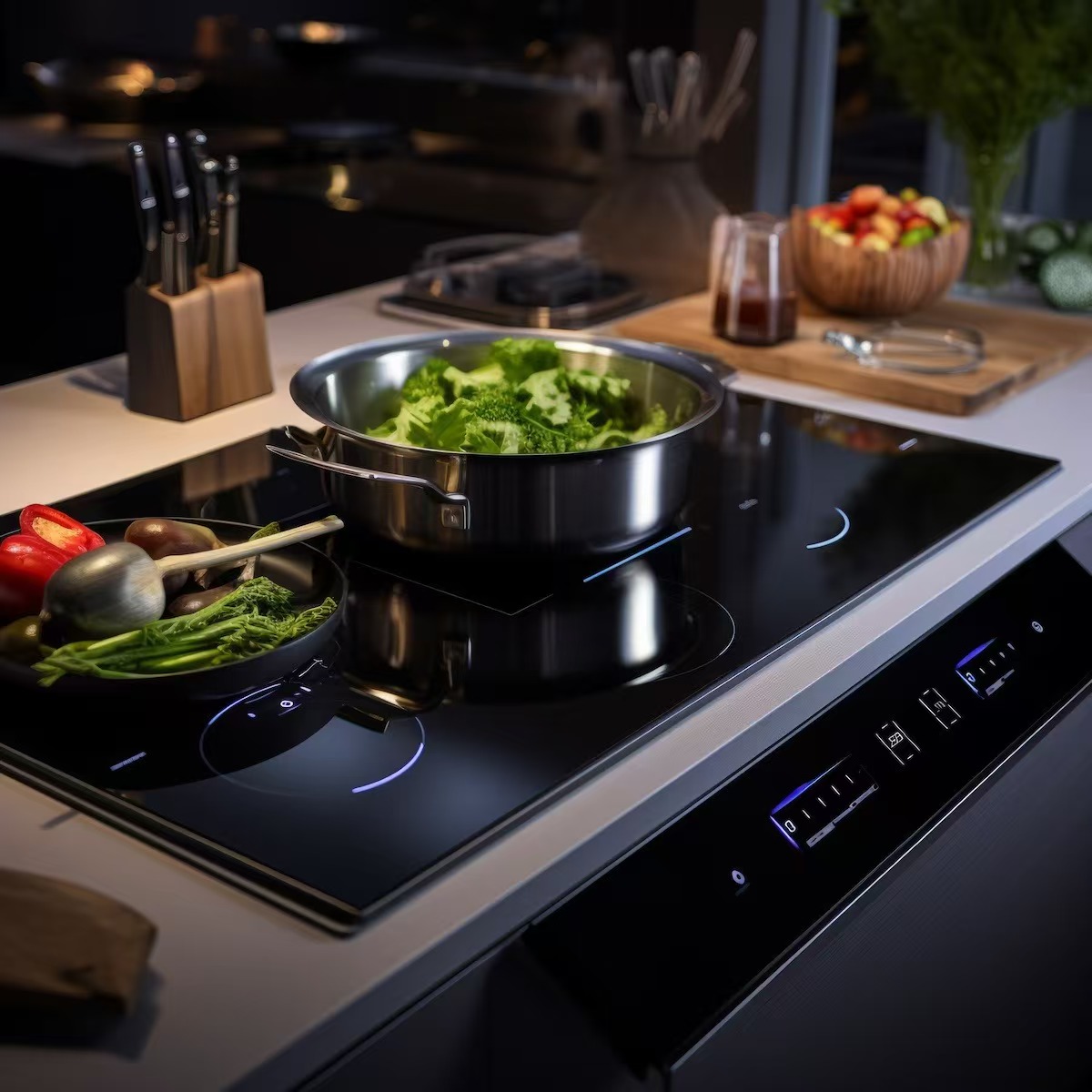
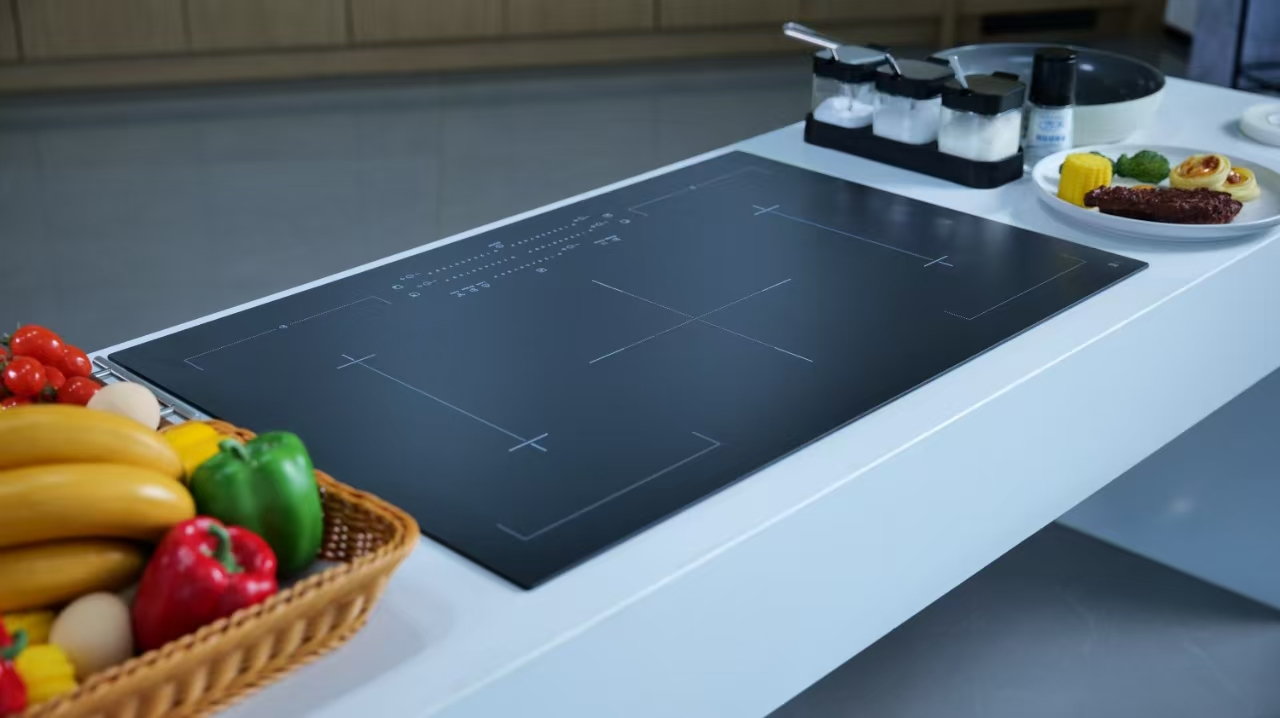
A white cooktop-panel assembly review should define the support path, gasket or contact region, clearance envelope, control and opening interfaces, visible border, and current section views before a supplier evaluates the panel against the appliance assembly.
A white panel can look correct in isolation and still be unsuitable for an unreviewed assembly. The practical task is to connect the visible surface to the parts that support, locate, protect, and frame it without pretending that a generic panel photo proves system fit.
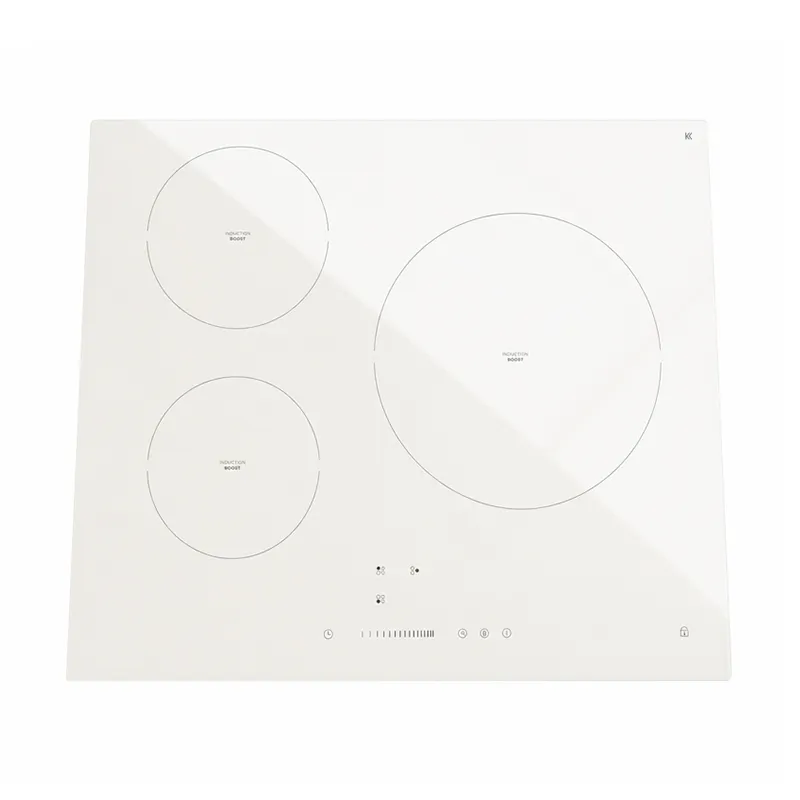
An assembly-interface review makes the panel-to-appliance relationship explicit. It identifies what supports the panel, where it meets another component, what must remain clear, and which document defines the visible result after installation.
SCHOTT’s glass-ceramic materials overview describes an engineered material class. It does not provide a mounting arrangement or acceptance limit for a different supplier’s white panel. Keep the product material and the appliance interface as separate, connected decisions.
Important: A component-level review does not establish full-appliance safety, electrical performance, installation compliance, or replacement compatibility. Those decisions need the appliance owner’s controlled assembly information. — Source: ISO standards catalogue
Use the drawing to show how the panel is held and where its surrounding parts meet it. A top view alone may describe the outline, while a section view shows the support relationship and customer-visible border that the assembly creates.
| Assembly-interface field | What the buyer should show | Why it matters |
|---|---|---|
| Support path | The regions or hardware intended to support the panel. | Makes the load path a review item rather than an assumption. |
| Gasket or contact region | Location and continuity of the intended interface. | Separates an interface request from an unspecified sealing claim. |
| Frame or trim relationship | The parts that locate the panel and form the visible border. | Lets the team review the installed presentation. |
| Section view and datums | A section through relevant contact areas with shared references. | Connects panel features to the appliance assembly. |
| Drawing revision | The current controlled document for quotation and review. | Avoids mixing data from different designs. |
These are the RFQ inputs for an assembly-interface discussion. They are not a universal mounting recipe, and the buyer should add project-specific requirements only when they are confirmed in the appliance specification.
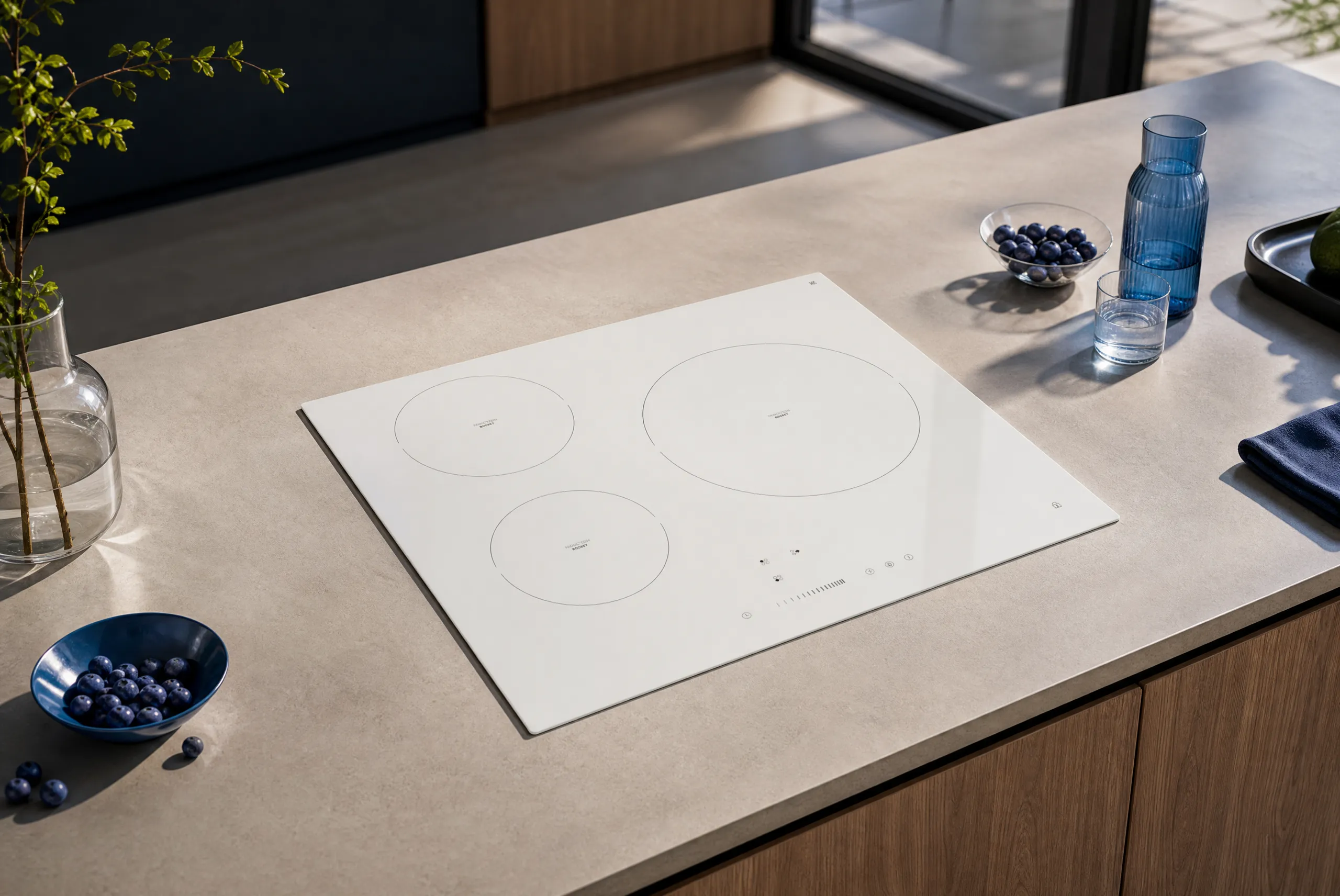
Openings, control areas, adjacent structures, and service features need an envelope review. The team should show what the panel must clear, what another component occupies, and which parts remain the responsibility of the appliance assembly.
| Interface feature | Drawing question | Boundary to keep clear |
|---|---|---|
| Control opening | Which opening, control feature, or adjacent part is present? | Do not infer control-system compatibility from panel geometry. |
| Clearance envelope | What space must remain available around the identified feature? | Do not convert a project clearance into a universal value. |
| Service access | Which side or opening must remain accessible in the assembly? | Do not make serviceability a panel-only claim. |
| Adjacent heat-source area | Which assembly feature defines the intended relationship? | Do not use this page to certify thermal duty. |
| Mounting sequence | At which stage is the panel introduced into the assembly? | Do not assume an installation method without the owner’s instructions. |
For geometry, cutouts, decoration zones, and frame-capture design fields, use the white-panel design constraints guide. That page complements, rather than replaces, the assembly review.
The visible border belongs to the finished assembly decision, not just the panel sample. A white surface can make reveal width, trim alignment, print boundaries, and adjacent material contrast more noticeable, so the appliance design owner should identify what is customer-visible after mounting.
Record whether the comparison is made with a loose sample, a fixture, or the intended assembly state. That one distinction keeps a cosmetic discussion from becoming a vague argument about a border that changes once the panel is installed.
The white panel branding and durability RFQ addresses related program questions; it does not assign the support or frame interface for a specific assembly.
A visually similar black panel, an earlier white model, or a consumer replacement listing may not share the same drawing, opening layout, trim, or control interface. Color is not the only reason to recheck the assembly; revision control and component context also matter.
Before reusing an assumption, compare the current outline, section view, interface locations, artwork status, and appliance ownership. The white-versus-black panel selection guide explains why white and black programs may deserve separate review, but it cannot validate a mounting arrangement.
Escalate to full-appliance engineering when the available record cannot show the relevant support, contact, clearance, opening, heating, or service interface. The same applies when a replacement request relies on appearance rather than controlled assembly data.
ASTM’s standards catalogue and the ISO standards catalogue are places to identify applicable documents, not evidence that a component automatically satisfies a project requirement. The appliance owner should state any required testing, approval, or installation condition in the controlled specification.
After the interface fields are defined, send the drawing-led request to the white glass-ceramic cooktop panel route. Include the latest top and section views, support/contact information, clearance questions, current artwork status, and the owner for unresolved assembly decisions.
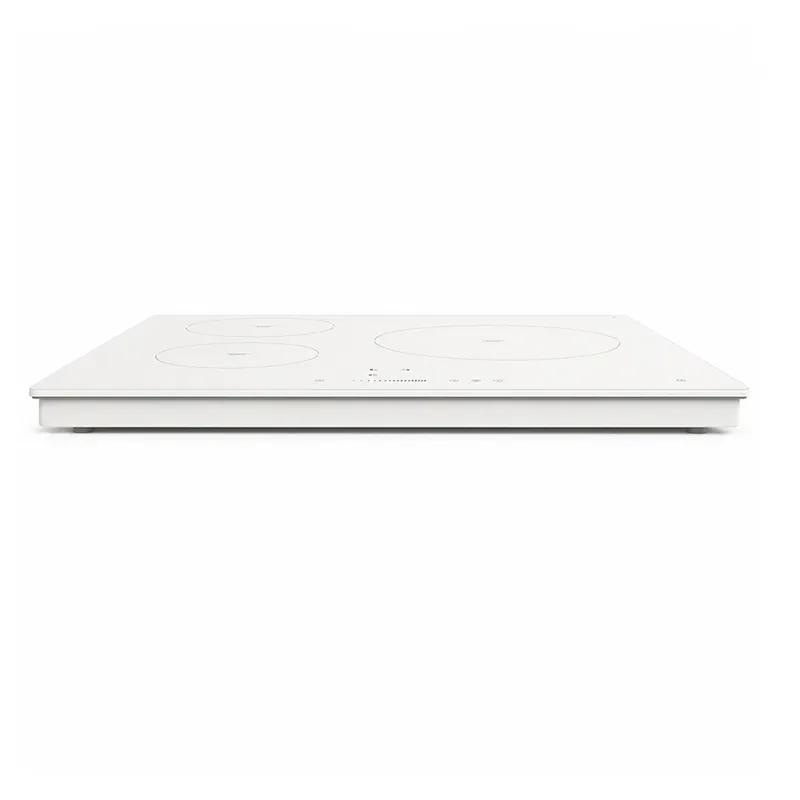
If the project is black, transparent, shaped, an appliance door, or a non-cooktop component, start with the KANGER products overview so the correct product route can be reviewed. For a current white-panel project, send the assembly drawing for review.
Send the current top view and relevant section views, with shared datums and callouts for support, contact, openings, clearance questions, and the visible border.
No. Similar appearance does not establish the same outline, interfaces, mounting sequence, or appliance revision. Compare the controlled assembly data.
The record identifies where the panel is intended to meet another part. It does not claim a universal gasket material, sealing performance, or installation method.
No. Clearances depend on the surrounding appliance design and should be shown as assembly information rather than inferred from an isolated panel.
The appliance design owner should define the finished customer-visible presentation, while the supplier reviews the panel against the supplied drawing and reference information.
No. Visual similarity does not prove fit. A replacement request needs the original controlled drawing, current assembly interfaces, and responsible engineering review.