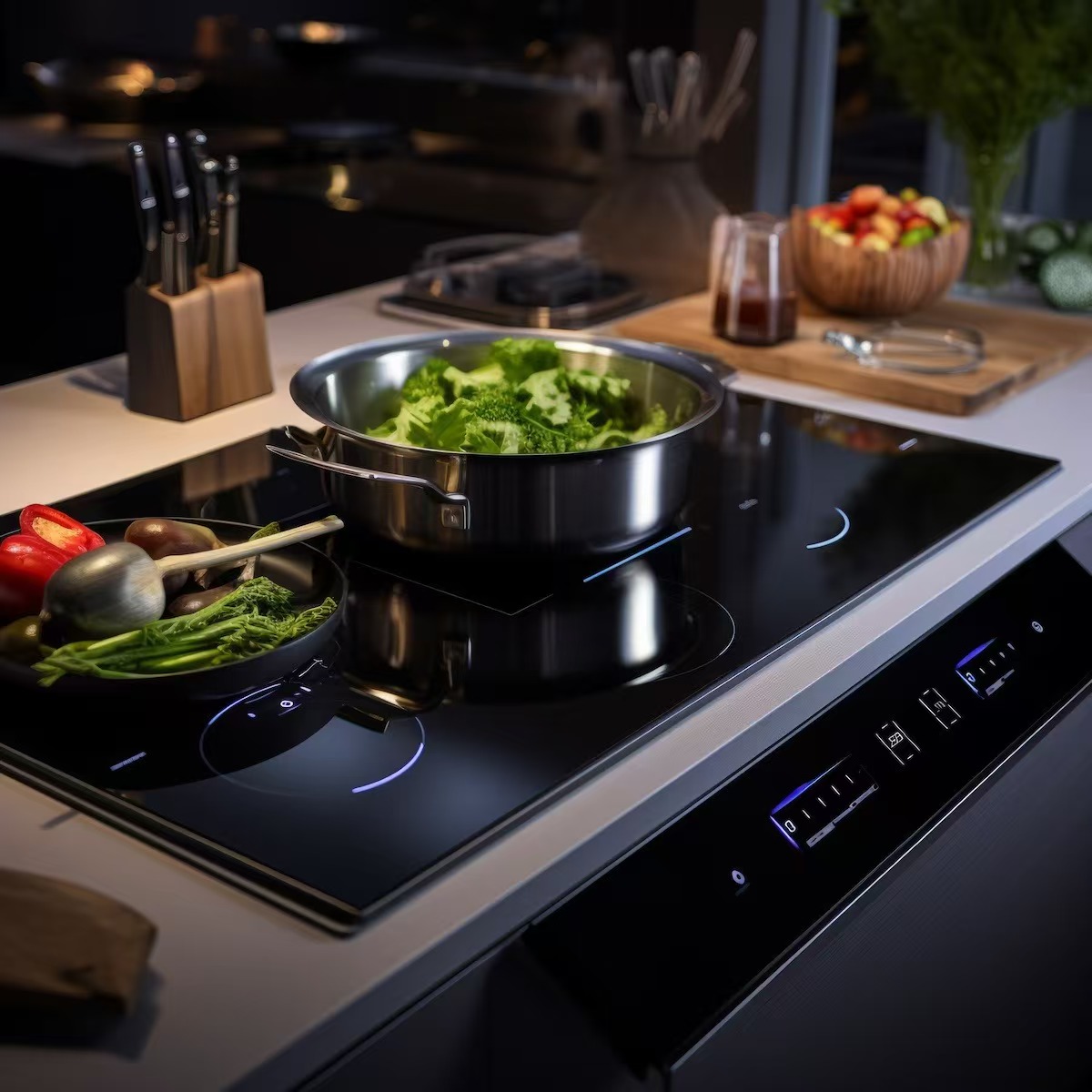
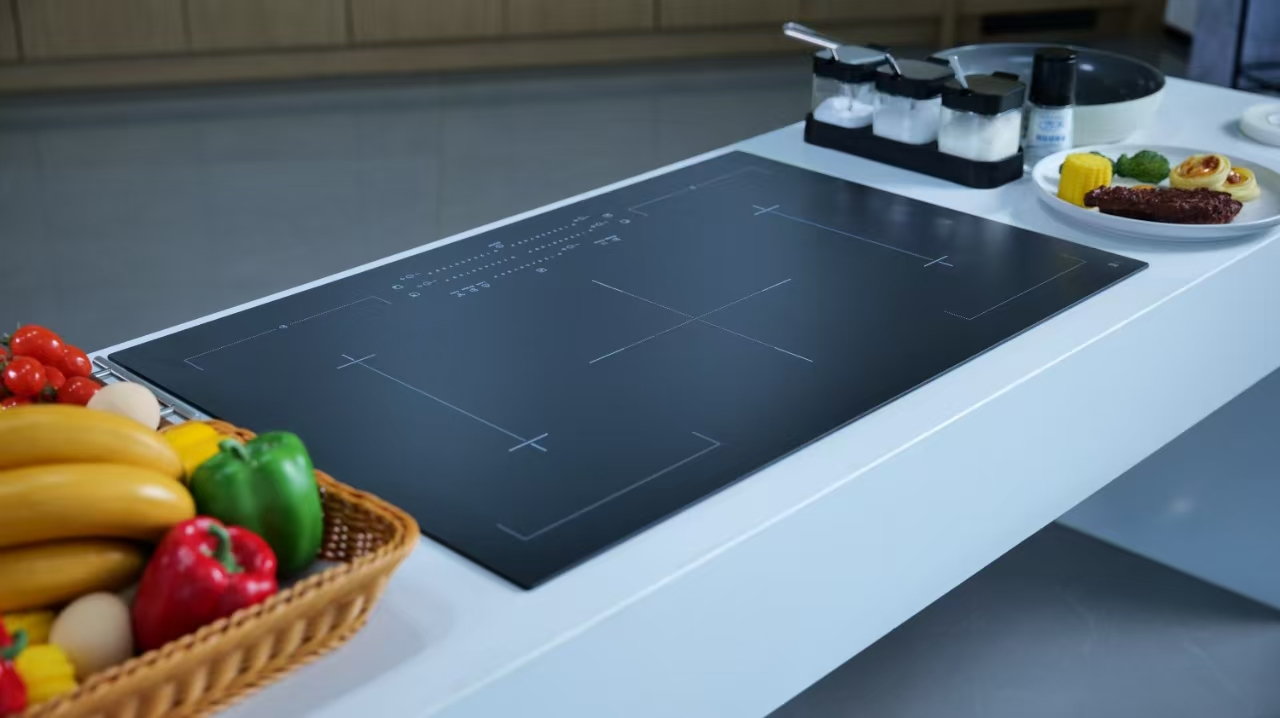
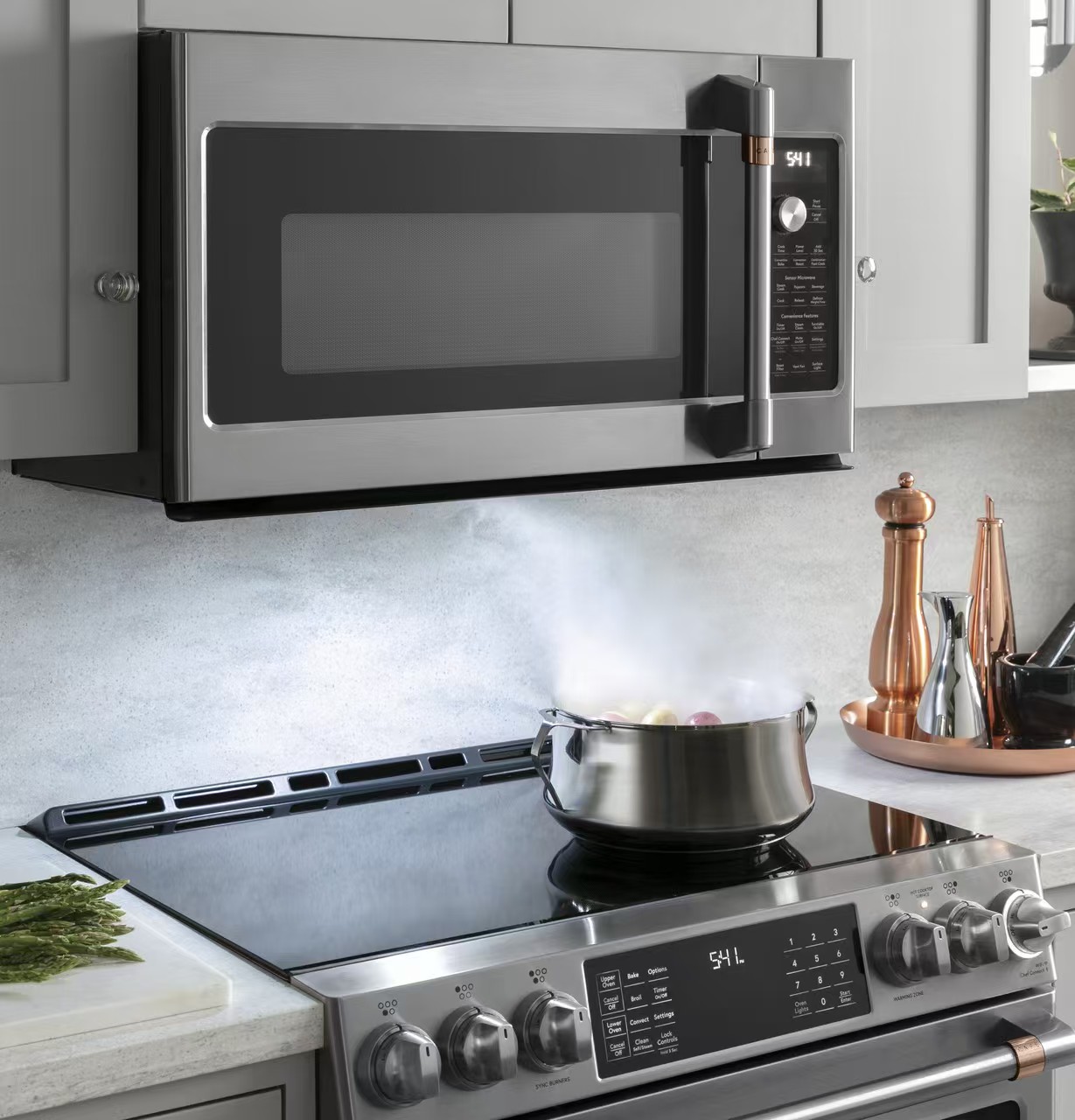
The boost function temporarily provides a higher power setting to a selected induction cooking zone when the appliance permits it. It can help with an initial heating task such as bringing water toward a boil, but it is not a temperature setting or a reason to leave the pan unattended. Check your model’s instructions for permitted cookware, zone combinations, duration and cancellation. Reduce the setting when the next cooking stage needs less heat. Never use an empty pan as a boost test or assume that the glass surface remains cool.
This guide explains when extra power can be useful, why another zone may behave differently and what to record if boost is unavailable. It does not promise a universal wattage, runtime or boiling time. Those depend on the complete appliance, its controls, the cookware and the cooking task.
A boost selection asks the controller for a particular operating mode. It does not necessarily measure the temperature of the food or maintain a recipe’s required temperature. A pan containing water responds differently from a pan containing a small amount of oil, even if the same button is pressed. The condition of the contents matters throughout the heating stage.
The Department of Energy induction introduction explains that suitable cookware receives energy through the induction process. The visible glass is part of the appliance assembly, not an independent guarantee of a certain cooking output. A printed boost icon does not establish the power specification of the appliance underneath it.
| Cooking situation | Question before selecting boost | Next observation |
|---|---|---|
| Water heating in a compatible pan | Does the manual permit boost for this pan and zone? | Watch the water and reduce power for the next stage |
| Oil, delicate sauce or a nearly dry pan | Does the recipe require controlled gentle heating instead? | Use an appropriate setting rather than assuming more power helps |
| Several zones already active | Which combinations share available power? | Check all zone indications after changing one setting |
| Boost is unavailable or ends early | What does the exact manual say about restrictions? | Record conditions and follow the documented decision path |
Locate the model reference using accessible documentation and find its operating instructions. Read the boost section together with the cookware, zone layout and power-management sections. Do not borrow a runtime or activation sequence from a visually similar hob. Product families can use different zone groupings and control software.
Check which zones support the feature and whether two zones can use it simultaneously. Look for the documented display symbol and cancellation procedure. If the instructions specify a time-limited boost, treat that limit as a property of that model rather than a universal number. A controller leaving boost is not automatically a defect.
Ask the appliance maker when the manual does not clarify a combination you need. Do not attempt to change installer settings to obtain more power, and do not open an installed hob to identify its electronics. Electrical installation and configuration questions require the appliance’s documented process and appropriately qualified people.
Use induction-compatible cookware with a base suited to the selected zone and follow the appliance’s size guidance. Center it carefully and check that the base and glass are clean. The fastest-looking setting cannot compensate for a pan that is unsuitable, poorly positioned or outside the model’s permitted geometry.
Place the intended contents in the pan before heating, as the cooking instructions require. For a simple water-heating task, use an appropriate amount of water and a suitable lid where the recipe and appliance permit it. Stay present and maintain a clear view of the cooking area. Do not heat an empty pan to see how quickly boost works.
If ordinary cooking seems slow, first use a controlled comparison of one pan, one zone and a consistent starting condition. The separate slow-boiling guide explains that observation process. Changing pan, water quantity, lid and active zones together cannot isolate whether boost made a difference.
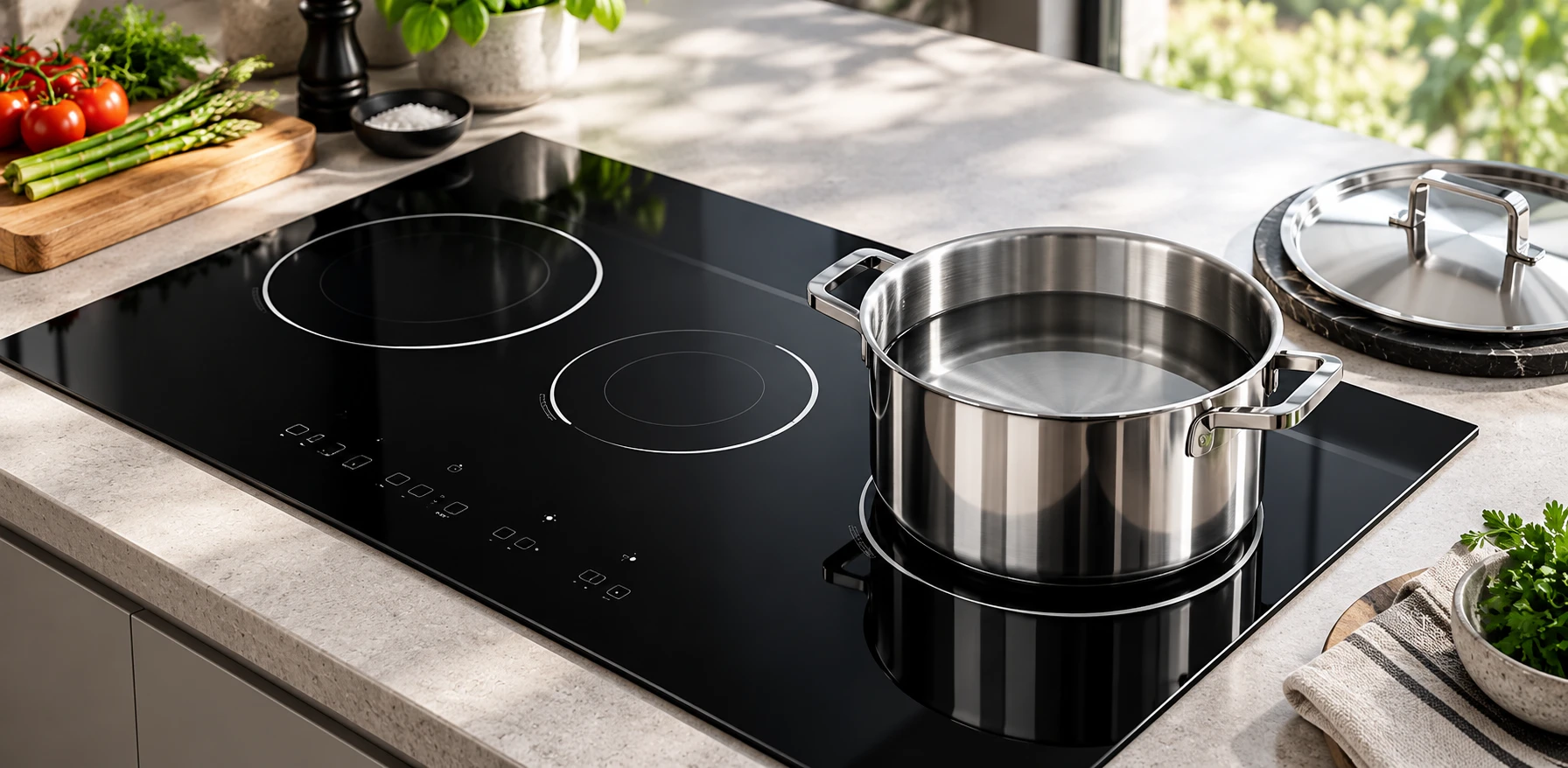
The appropriate setting can change quickly when water approaches a boil or food reaches the next recipe stage. Boost is useful only while the task calls for that level of input. Reduce the setting deliberately rather than waiting for an automatic limit to decide when the food needs gentler cooking.
Keep pan handles safely positioned and combustible items away from the hob. Avoid leaning over rising steam to read the controls. A lid can change the heating behavior and the risk of a spill, so observe the pan after adding or removing one. Do not leave the area to complete another task while assuming the appliance will manage the transition.
The U.S. Fire Administration cooking guidance reinforces the importance of supervision and a clear cooking area. Extra power does not provide protection against every spill or overheated ingredient. Stop cooking appropriately if an interruption means you cannot continue watching the pan.
A multi-zone hob has an overall electrical and control design. The controller may allocate available power across related zones, so selecting a demanding mode on one zone can affect the level available elsewhere. The exact relationship belongs to the appliance manual; the physical distance between the pans is not enough to identify the power-sharing group.
The KitchenAid performance-boost support guidance provides a model-family example of boost interacting with related cooking areas. Use it to understand that such restrictions exist, not as a rule for a different appliance. Confirm the correct source for your model before interpreting a changed display.
Observe both zones after selecting boost and adjust the meal plan if one task needs sustained lower-power cooking. You may get a more predictable result by staggering initial water heating rather than repeatedly demanding maximum power from every zone. The related power-sharing article examines that coordination separately from a boost-button problem.
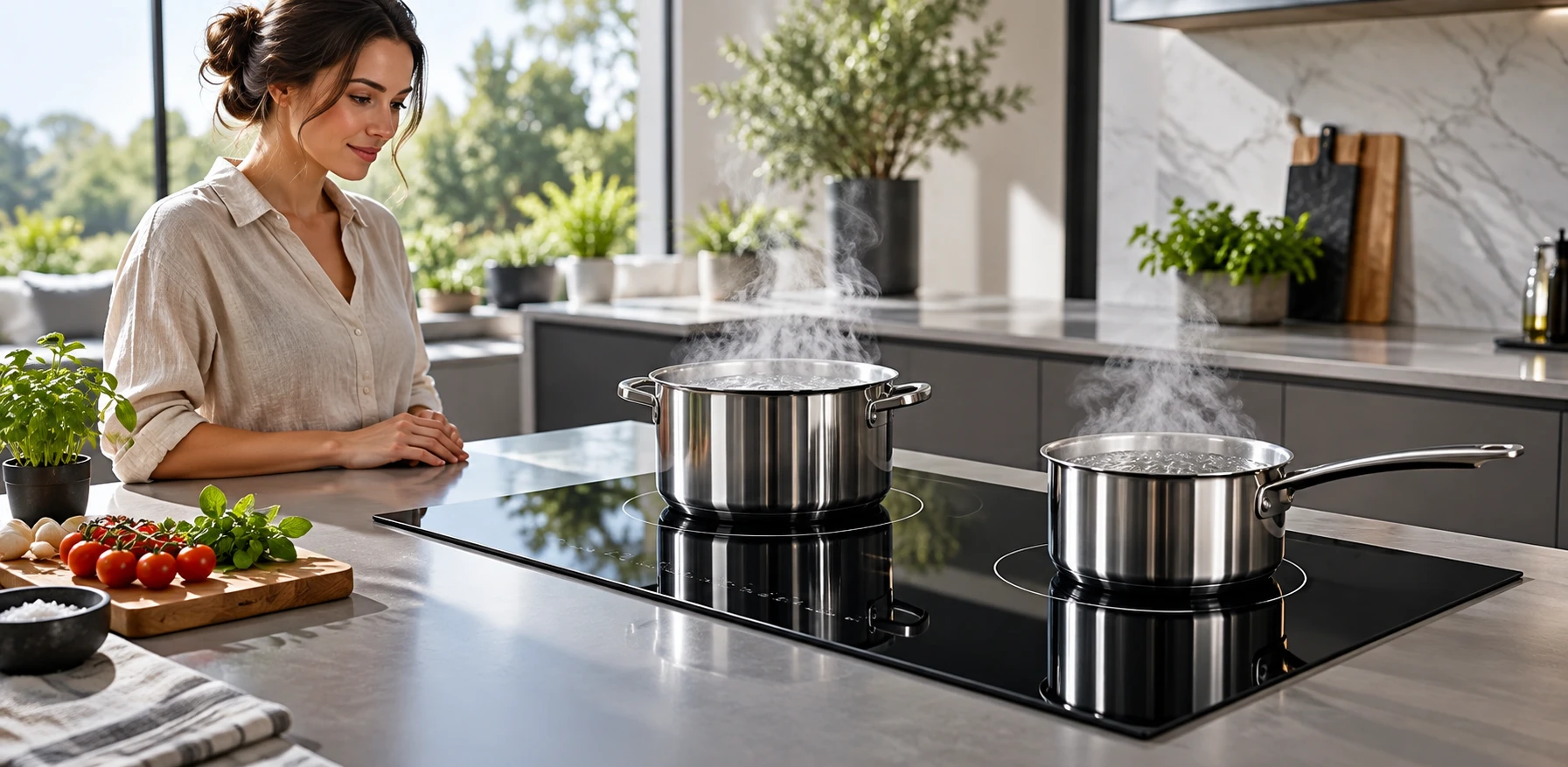
Read the exact display and check the manual’s explanation first. Distinguish a mode indicator changing from a whole zone switching off. Note whether another zone was added, whether the cookware moved and how long the cooking task had been running. These observations are more useful than repeatedly reselecting boost.
Check cookware recognition and permitted zone combinations without opening the appliance. If a pan is not recognized, increasing a setting cannot solve that basic issue. If the manual describes a cooling or protection response, follow the stated instructions rather than trying to defeat it. Never block ventilation to change a sound or indicator.
A recurring unexplained event, an electrical warning, damaged glass or unresponsive controls needs the documented service decision. Stop using the appliance when instructed. Do not interpret an ordinary boost limit as proof of a fault, but do not dismiss an abnormal warning because some power changes are expected. Record the exact circumstances and seek qualified advice.
Induction heating does not mean there is no retained heat at the cooking interface. The pan can transfer heat back to the glass, and both can remain hot after the power level changes. Follow the model’s residual-heat indicators and never check surface temperature with a hand.
If a pan accidentally heats without suitable contents, use the separate empty-pan response guide and appliance instructions. Do not pour cold water onto a hot glass surface or continue a test to see whether a protective function activates. An editorial guide cannot verify the condition of a particular damaged appliance.
After everything is safe and cool as required, inspect for visible damage using the manufacturer’s cleaning and inspection guidance. A mark, a cracked panel and a controller warning are different findings. Keep them separate in a service report, and avoid assuming that replacing the glass alone will resolve an electrical or operating issue.
For an OEM cooktop project, the system specification should define power allocation, supported zones, visible indicators and user instructions. Coordinate the printed artwork with the controller team so that a boost symbol aligns with the actual touch area and selected-state feedback. Validate the assembled appliance rather than relying on a loose panel sample.
Kanger’s black glass-ceramic cooktop panel offering is a starting point for the physical component discussion. The black glass-ceramic overview provides the material context. Neither page establishes the wattage, control algorithm or certification of a finished hob assembled by another manufacturer.
The Technology Connections video below discusses induction cooking and cookware geometry. It adds background to the pan-and-energy relationship behind this guide. It does not verify your model’s boost limit, pan-size requirement or button sequence; use the operating manual for those details.
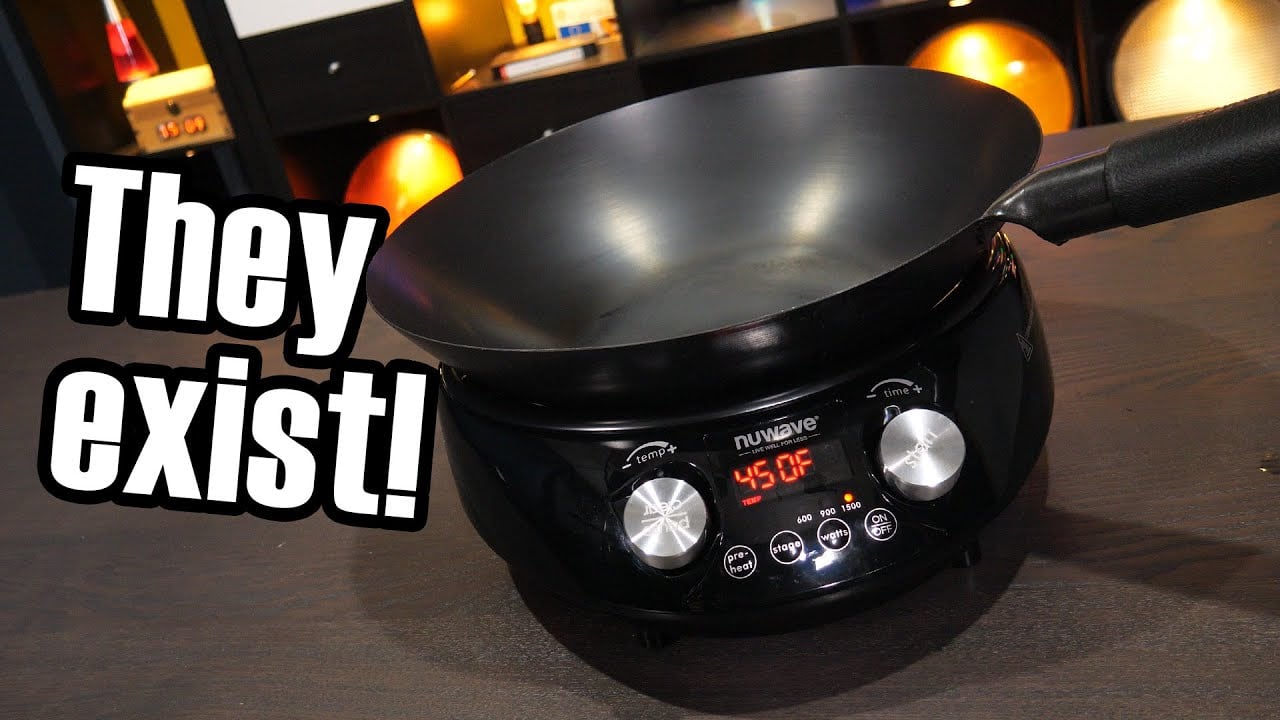
Video: Induction cooking – but what about woks?, Technology Connections. Open the educational video on YouTube.
No. Treat it as a power-related operating mode unless the exact appliance instructions specify a separate temperature-control function.
Follow the manual and the cooking task. Reduce power when the next stage needs gentler heating, and do not rely on an automatic limit to determine doneness.
Some appliances share available power across related zones. Check the model’s zone grouping and simultaneous-operation rules before assuming there is a fault.
No. Use only the appliance’s permitted cooking setup with suitable contents, remain present and follow the manufacturer’s operating instructions.