Kanger Glass-ceramic Co., Ltd.
Induction hob power sharing means the appliance may limit or alternate available output between cooking zones when their combined demand exceeds a supported operating condition. You may see a setting change, an alternating display or slower heating after starting another pan. The behavior depends on the exact model, zone groups and selected modes. It does not mean that the glass panel has run out of heating capacity, and it is different from a bridge function that links cooking areas. Check the manufacturer’s power-management description before treating the behavior as a fault.
Three different features often get confused
A cooking zone identifies where compatible cookware can be used. A bridge or flexible-area function may link controls or allow a specified cookware arrangement. Power management concerns how the complete appliance allocates available input. Having a bridge function does not automatically mean every zone can run at maximum output at once.
Likewise, a boost label describes a mode under stated conditions, not a promise of unlimited simultaneous output. Read the conditions and any duration or zone restrictions in the actual manual. Do not add the highest advertised wattage for every zone and assume that number is a permitted continuous operating state.
AEG’s power-management explanation describes selected and limited levels alternating on some displays and discusses shared groups. Its arrangement and priority rules are examples for the covered models; another hob may organize its zones differently.
Read the display in context
First note the model, selected zones, settings and operating mode. If a number changes after another zone is activated, record both values and the order of actions. Do not assume the smaller number is an error code. Equally, do not dismiss a genuine fault because one manufacturer uses alternating figures for normal limiting.
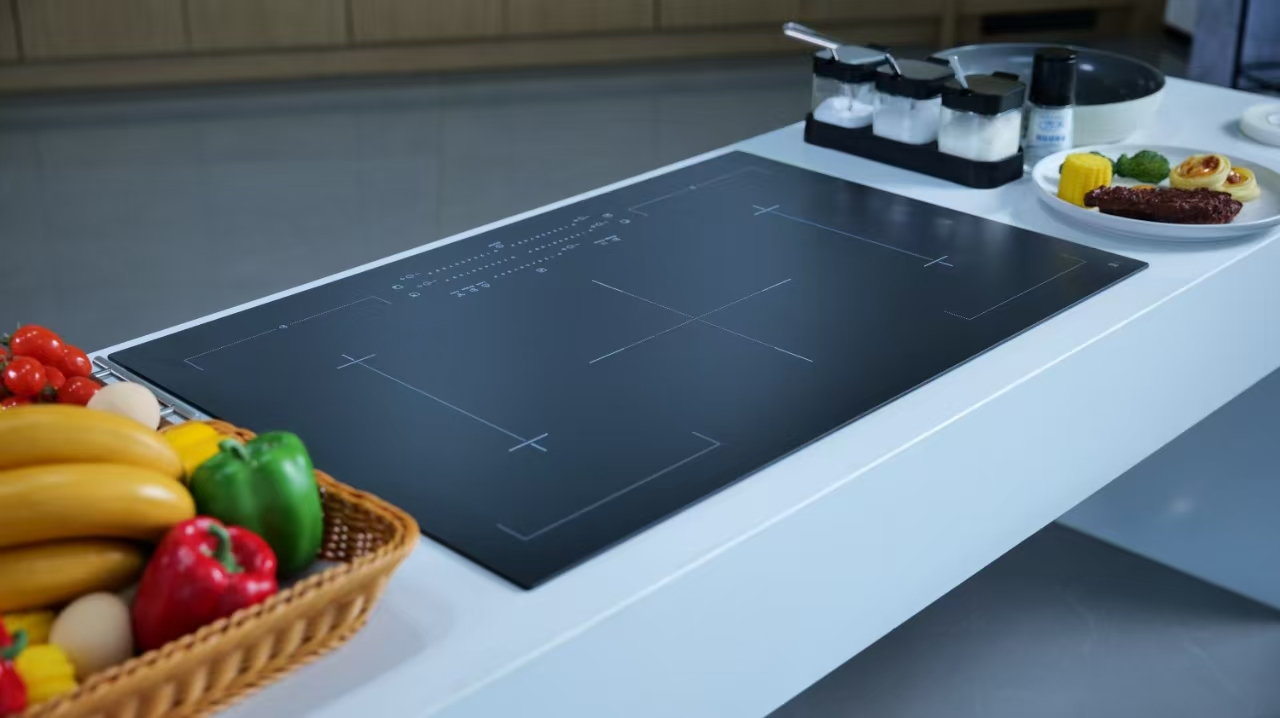
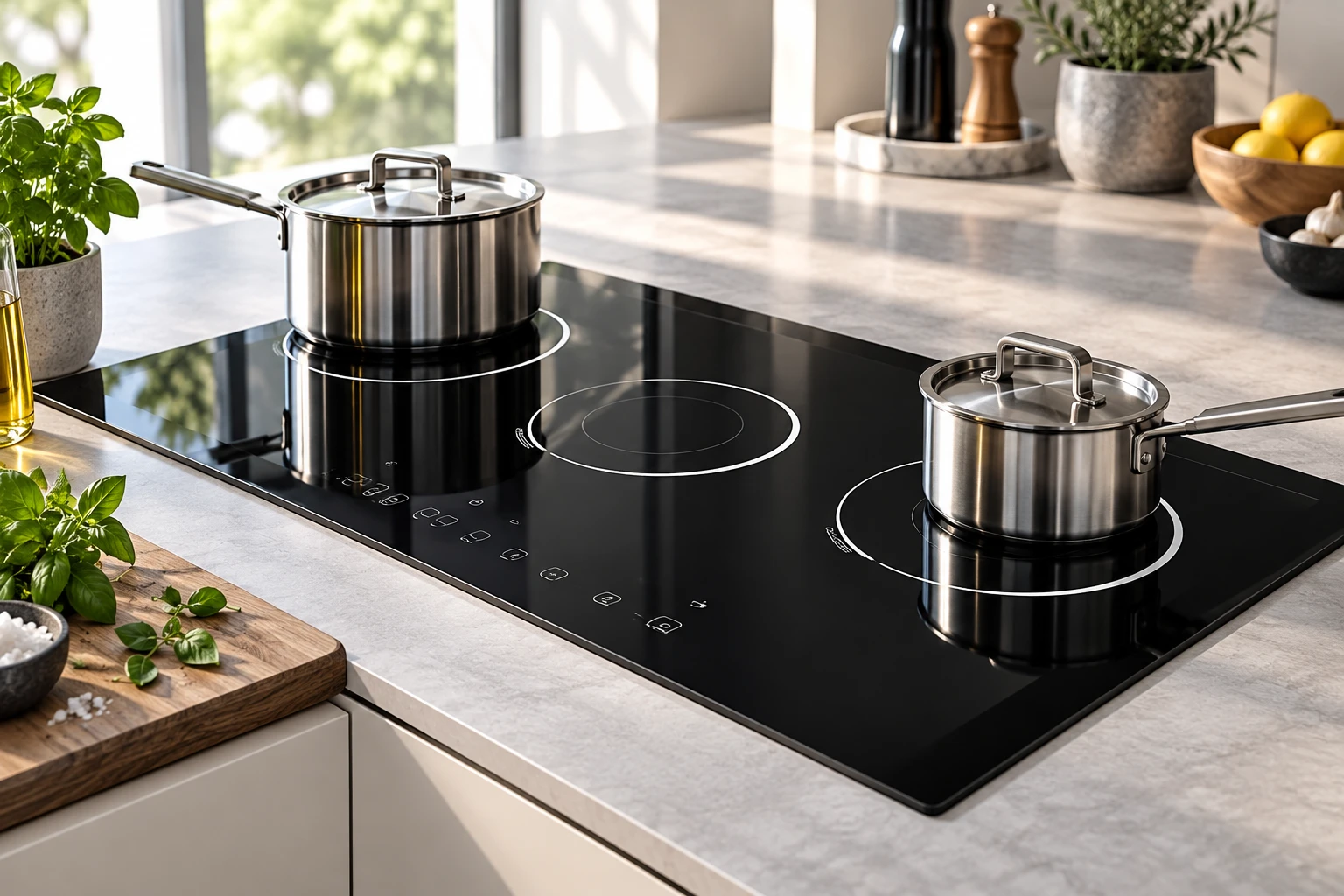
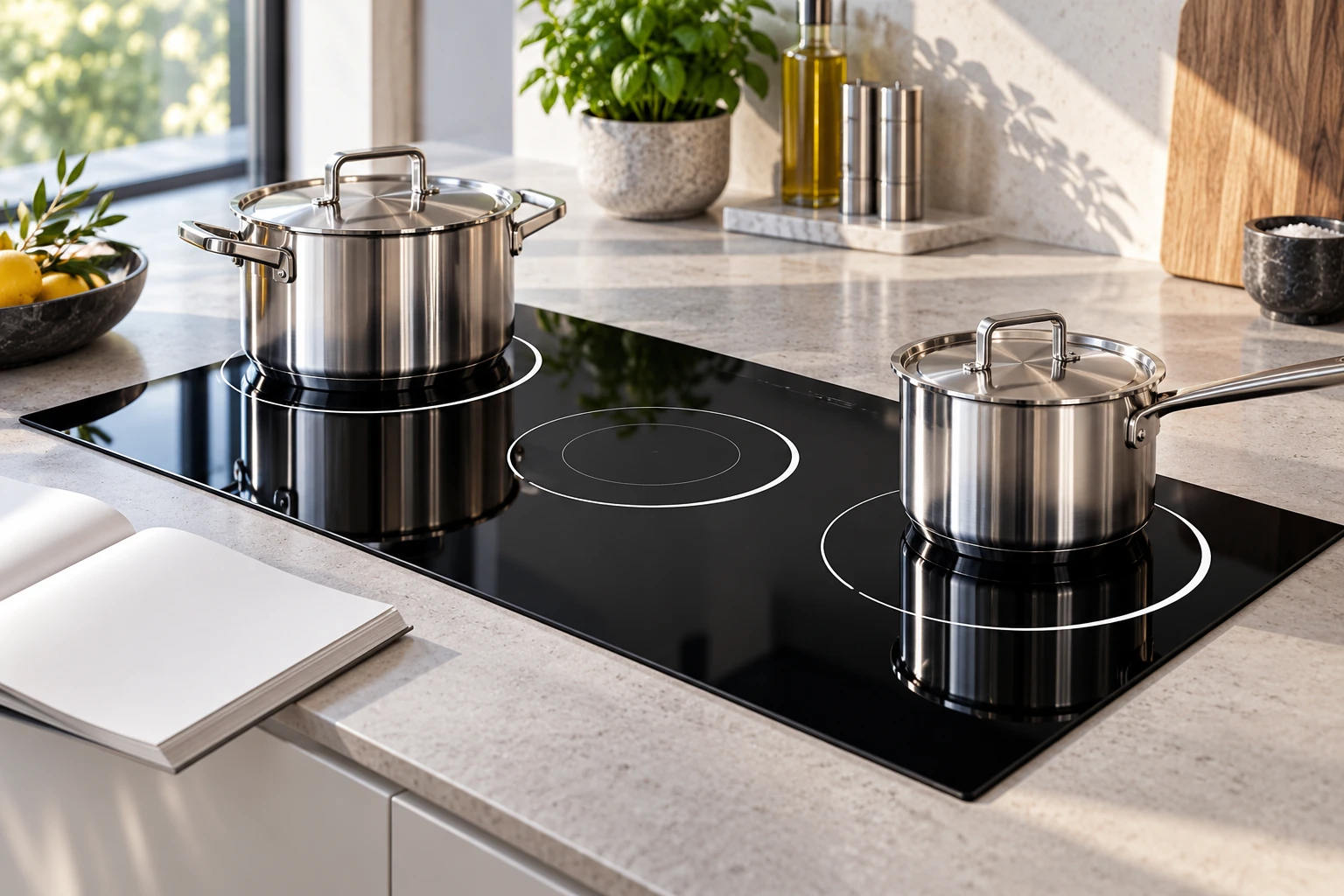
A visible ring printed on glass marks a user location; it does not reveal the electrical grouping underneath. Two physically adjacent zones may or may not share the relevant limit. Use the manufacturer’s diagram instead of inferring the circuit from the artwork.
For ordinary permitted use, keep controls unobstructed and cookware centered. Photograph the display only when doing so does not distract from safe cooking. No disassembly, electrical measurement or service-menu adjustment is required to describe what the user sees.
A table for separating common observations
| Observation | Question | Evidence to consult |
|---|---|---|
| A setting changes when another zone starts | Is this a supported shared-power state? | Model’s zone-group and priority description |
| Two zones become one controlled area | Is a bridge function active? | Cookware placement and linked-control instructions |
| A single zone cycles at a low setting | Is this low-output modulation? | Normal-control description and cooking result |
| A pan symbol flashes | Has recognition been lost? | Base compatibility, size and centering guidance |
| The entire hob switches off or trips | Does a protection or fault condition apply? | Exact code and qualified service guidance |
The table describes different questions. It should not be used as a remote fault diagnosis or permission to continue operating an appliance with damage or electrical symptoms.
Compare one pan and two pans fairly
If the appliance is otherwise safe to use and its instructions permit it, observe an ordinary cooking sequence with one known-compatible pan, then note what changes when a second zone is used. Keep the first pan, contents and selected setting recorded. A change in pan or recipe at the same time makes the comparison less informative.
Do not run empty pans or deliberately push the appliance into overheating to test its limit. The useful observation is the control response during permitted cooking, not the maximum behavior you can force. Stop if the appliance displays an error or a condition the manual says requires service.
For a purchasing demonstration, ask the seller to use the intended cookware and a realistic multi-pan task. Record whether simultaneous high output is available under those conditions and how any limit is communicated. A one-pan boiling demonstration does not answer a multi-pan workflow question.
Plan the cooking sequence around supported operation
Once the correct instructions establish an expected limit, organize cooking within it. For example, a meal may require one pan to reach a boil before settling to a lower setting while another is started. Whether that sequence is appropriate depends on the food and appliance; it is not a generic food-processing or temperature-control procedure.
Use only zone combinations and cookware placements the manufacturer permits. Do not move a heavy hot pot across the glass merely to chase a higher display number. Keep a stable landing area available if a pan must be moved, and avoid sliding cookware over the surface.
Do not defeat power management by changing wiring, protection devices or service settings. If the installed supply or configuration is in question, ask the installer or qualified technician to compare the actual installation with the appliance documentation. A higher breaker rating is not a user remedy.
Power sharing and heat transfer are different ideas
The Department of Energy’s induction overview explains that electromagnetic interaction heats compatible cookware. The electronics decide how input is delivered. The glass-ceramic surface is part of the assembly, not a pool of power divided by the painted rings.
Changes in visible boiling do not measure the exact allocation. Contents retain heat, pan bases respond differently, and a lid changes the cooking observation. Without a defined measurement method, describe the visible behavior rather than claiming that one pan received a particular wattage or efficiency.
Normal low-setting intervals with one pan belong to a separate modulation question. A setting that responds to starting another zone suggests a different observation to investigate. A complete shutdown should be reported using the exact display and event sequence, not automatically explained away as sharing.
Check other explanations before assigning a cause
KitchenAid’s shutdown guidance identifies cookware, ventilation, overheating and control-area obstructions as relevant conditions for its appliances. The presence of two pans does not exclude those possibilities. Review the specific symptom using the proper model instructions.
If a pan symbol appears, consult the cookware-recognition checklist. If the concern is only changing sound, the induction noise guide helps separate audio from heating behavior. A recording of a hum cannot establish the power split.
Cracked glass, smoke, burning smell, sparking or an unexplained electrical trip require the appliance’s safe-stop procedure and qualified help. Do not continue a comparison to obtain a more convincing recording. An expected management feature does not make unrelated warning signs acceptable.
What to ask before buying an induction hob
Describe your normal multi-pan task and ask which combinations the model supports. Request the manual’s explanation of power management, boost restrictions, bridge functions and display behavior. Compare actual cooking workflow rather than only the sum of advertised zone ratings.
Ask how a user knows when a requested setting is being limited. A clear demonstration should show the control sequence and cookware arrangement. Keep a copy of the relevant manual section with the model reference. Sales language such as full power or flexible cooking needs the operating conditions to be useful.
Installation suitability is another question. Supply requirements, configuration and ventilation must be checked for the exact appliance by the responsible installer. An attractive glass layout does not establish that an existing circuit or cabinet is suitable for a replacement hob.
How panel specifications connect to the appliance
Kanger’s black glass-ceramic panels can carry artwork and geometry defined for an appliance project. The printed zones and controls should match the validated user layout. Power groups, sensing and electronic behavior must be confirmed by the complete-appliance design team.
The ceramic cooktop glass overview explains the component context. Do not assign a controller capability, boost duration or supply rating to a material merely because a photograph shows several rings. Supplier drawings and appliance validation have different scopes.
In an OEM review, maintain a traceable connection between artwork, zone map, controls and operating instructions. If a hardware or software revision changes visible behavior, review the documentation and demonstration method as well. A user should not be left to infer a normal limit from an unexplained change in heating.
Make a service record that preserves the sequence
Write down which zone was started first, the selected setting, any boost or bridge mode, what happened when the next zone started, and the resulting display. Include the pan descriptions and whether any code appeared. Keep observations separate from conclusions about a shared component.
Record whether the behavior agrees with the manual, differs from previous ordinary use, or occurs with only one particular pan. Do not declare the hob faulty solely because it differs from a friend’s model. Equally, a familiar pattern should not prevent reporting a new code or complete shutdown.
Further learning: induction and cookware
The neutral educational video below explains induction and the cookware interaction. It gives background for understanding the heating method; it does not measure your appliance’s output, show its power groups or provide electrical installation instructions.
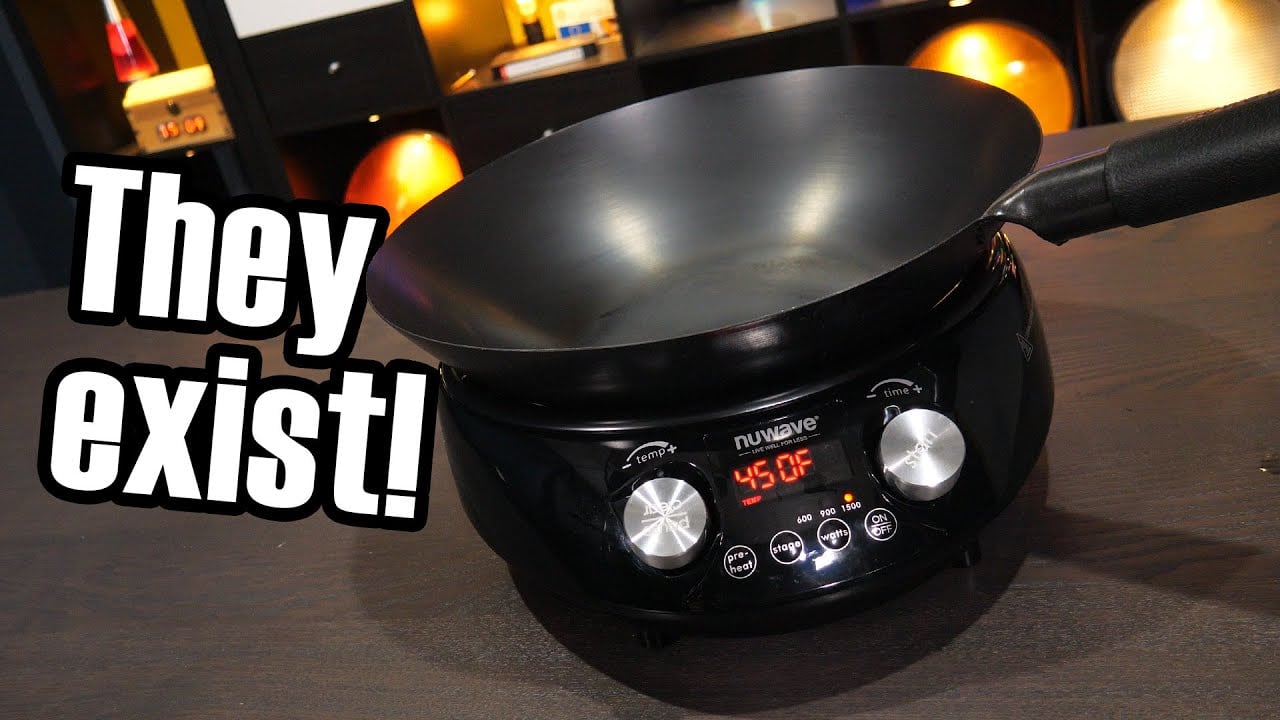
Video: Induction cooking – but what about woks?, Technology Connections. Open the educational video on YouTube.
Frequently asked questions
Does power sharing mean the hob is broken?
It can be a normal model-specific function. Check the exact instructions and display behavior. A separate error or electrical symptom still needs assessment.
Is a bridge zone the same as power sharing?
No. Linking cooking areas and allocating available power are different functions. Read both descriptions for the particular model.
Can I change the wiring to get more power?
Do not modify wiring or protective devices yourself. Ask a qualified installer to assess the appliance requirements and actual supply.
Does replacing the glass remove a power limit?
No such conclusion follows. Power management belongs to the complete appliance design; a glass replacement is not a controller upgrade.