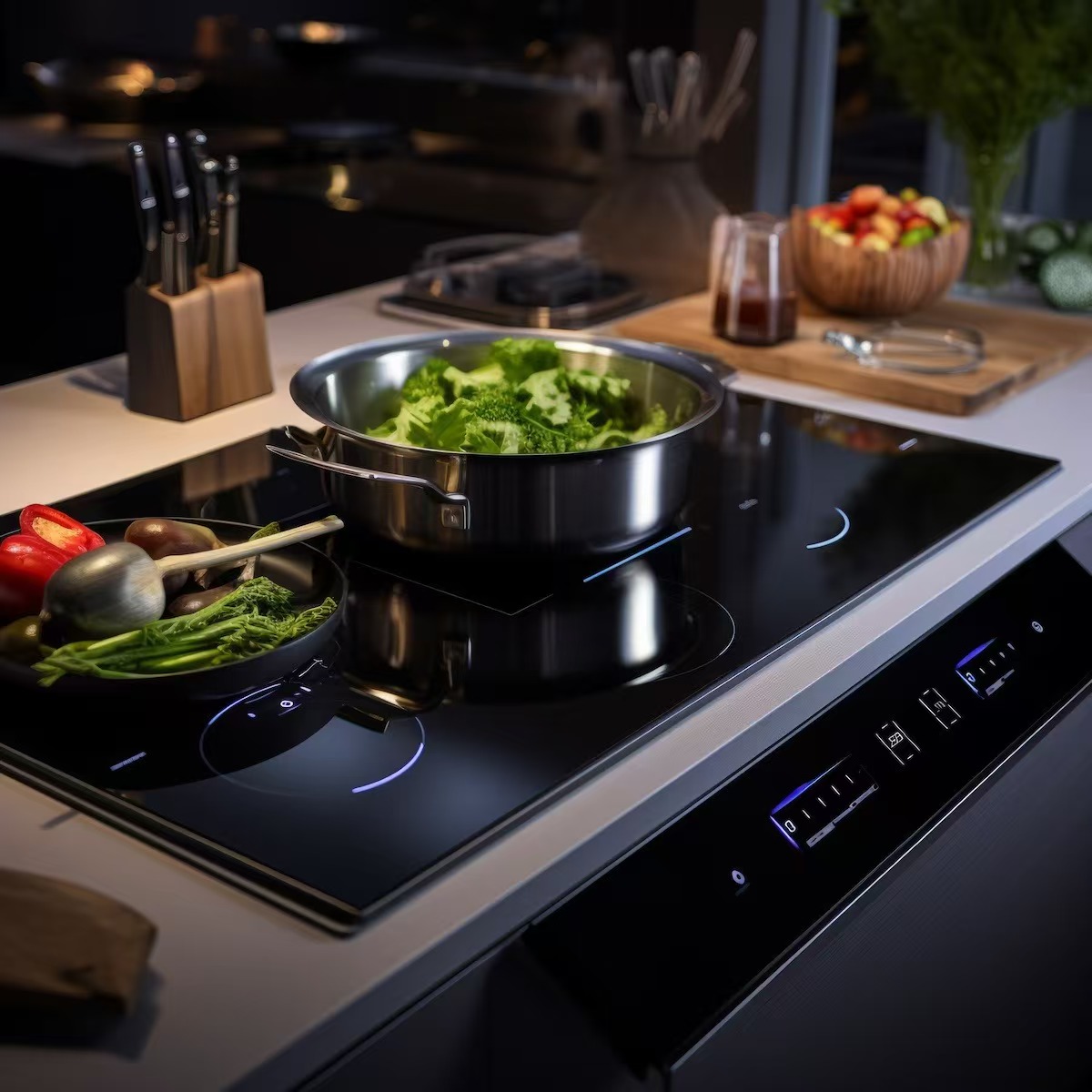
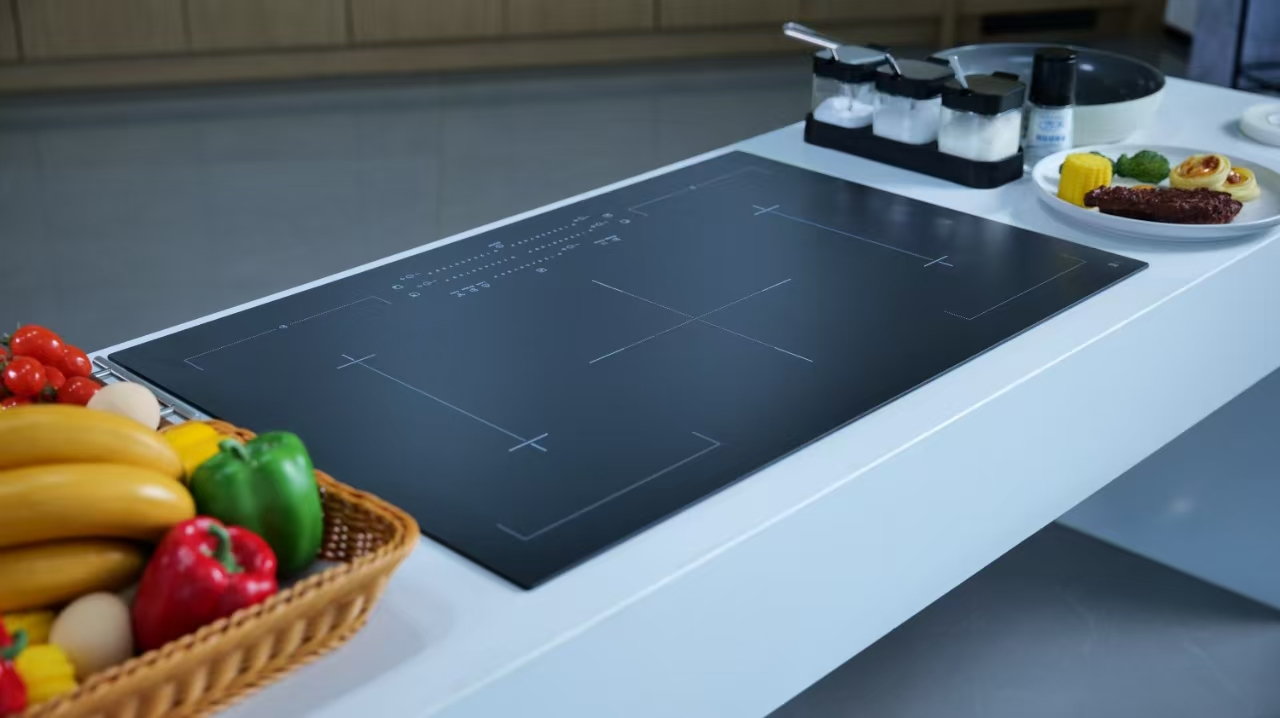
Porcelain white glass-ceramic cooktop RFQs must attach a drawing that defines panel outline, cutout layout, decoration zones, frame-capture borders, and flat-or-shaped routing—then require every supplier to confirm manufacturability on the white decorative line before price comparison.
OEM industrial designers, cooktop platform engineers, and importer sourcing teams use these fields to keep a bright decorative surface compatible with burner zones, controls, and trim rails. On Kanger’s site, porcelain white names the decorative white cooktop panel line—not pottery ceramic cookware. For color-batch and MOQ planning on the same line, see the white panel color and MOQ planning guide. For induction-specific selection, see how to choose white glass-ceramic for your induction hob.
Porcelain white on a cooktop RFQ describes Kanger’s decorative white glass-ceramic panel line—a bright hob surface for built-in cooking platforms. Public product messaging positions it as low thermal expansion white ceramic glass suited to modern minimalist appliance layouts, with gallery SKUs labeled Porcelain white ceramic glass.
That wording is a line descriptor, not permission to skip engineering fields. SCHOTT’s glass-ceramic materials overview confirms cooktop panels belong to an engineered glass-ceramic class—not soda-lime window glass or pottery ceramic. Porcelain-white programs therefore need the same disciplined drawing package as black cooktops, plus white-specific decoration and inspection criteria.
Kanger’s white product hub states that specifications should control dimensions, printing or decoration requirements, inspection criteria, and thermal fields appropriate to the finished appliance—and that a white panel does not automatically use the same RFQ as every black panel. Color, decoration, geometry, and appliance duty require separate review.
| Constraint area | What the drawing must show | Why white panels differ from black |
|---|---|---|
| Outline geometry | Length, width, thickness, corner radius | Decorative reveal and trim alignment |
| Cutouts | Burner zones, controls, sensors, mounts | Hole spacing drives stress and appearance |
| Decoration zones | Printing, logos, zone markers | Visible on bright surface—errors show immediately |
| Frame capture | Border width, gasket path, edge finish | White edge contrast exposes fit gaps |
| Routing | Flat hob vs shaped/concave intent | Wrong line quote if geometry class omitted |
| Thermal block | Duty-appropriate heat fields | Pair with durable cooktop RFQ checklist |
Important: “Porcelain white glass ceramic cookware panels” in marketplace listings often mixes cooktop panels with consumer cookware vocabulary. Normalize the RFQ header to glass-ceramic cooktop panel — porcelain white — decorative before sourcing. — Source: RFQ terminology alignment guide
Panel outline and cutouts set the mechanical envelope the supplier must confirm. On white decorative lines, cutouts also define where the bare panel shows through versus printed zones—so hole placement belongs on the same revision as decoration layers.
Start every porcelain-white RFQ with a top view showing:
| Field | Example RFQ wording | Supplier must confirm |
|---|---|---|
| Panel outline | L × W × t with ± tolerance | Manufacturable on white decorative line |
| Corner radius | R value at each corner | Edge finishing method |
| Burner zone layout | Coordinates or reference grid | Alignment with heating assembly |
| Control cutout | Width × height + edge distance | No conflict with decoration |
| Hole pattern | Diameter, count, position tolerance | Drill/cut process on white grade |
| Drawing revision | Rev. letter and date | Quote tied to current geometry |
Cutouts concentrate stress at corners and create visible registration targets for printing. Require suppliers to flag any hole closer than your drawing allows to a decoration boundary—or to a panel edge—before accepting the quote.
Decoration is the primary reason OEM teams choose porcelain white over black: logos, zone rings, touch icons, and brand graphics sit on a high-contrast surface. Without defined decoration zones, suppliers guess which areas may receive ink, etch, or overlay—and white panels show misregistration immediately.
Mark each decoration layer on the drawing or a linked artwork file:
Kanger’s white-line FAQ language expects buyers to define printing or decoration requirements and inspection criteria on the approved design. The article does not invent universal print-area percentages; those belong to your brand standard and supplier DFM review.
| Zone type | Typical use | RFQ note |
|---|---|---|
| Bare white field | Minimalist hob face | State acceptable gloss/texture band |
| Zone markers | Burner position rings | Align to heating coil drawing |
| Brand / logo panel | Front-visible branding | Include PMS or sample reference |
| Control surround | Icons near touch cutouts | Show offset from hole centerline |
| Keep-out band | Around cutouts and frame edge | Prevents print bleed into seal line |
Pair decoration constraints with the white panel color and MOQ planning guide when batch appearance across SKUs matters—this article covers where decoration may sit, not color-delta guarantees.
Frame capture describes how the metal trim, gasket, and subframe hold the panel. On porcelain-white hobs, the border width between the cooking field and the captured edge is visible in normal kitchen lighting—so border and edge finish are design constraints, not afterthoughts.
Document on the drawing:
| Field | Why it constrains design | Common RFQ gap |
|---|---|---|
| Border width | Sets minimum decoration setback | Copied from black panel with wrong trim |
| Edge finish | Affects chipping and cleanability | Listed as “standard” without sample |
| Asymmetric capture | Built-in hob asymmetry | Assumed equal borders on drawing |
| Hole-to-edge distance | Mechanical + cosmetic | Controls cutout only, not border |
| Subframe material | Expansion mismatch risk | Omitted while requesting “white glass” |
Low thermal expansion white ceramic glass appears in Kanger public messaging as a line-level material benefit. Treat that as context until the supplier confirms edge and border compatibility with your frame drawing—not as a substitute for border dimensions.
Most porcelain-white built-in hobs use flat decorative panels. Shaped or concave routes apply when wok seating, recessed commercial zones, or non-planar contours are part of the approved design—not when a buyer only wants a white color variant of an otherwise flat platform.
Use this routing decision before releasing the RFQ:
| Platform signal | Route | Drawing requirement |
|---|---|---|
| Level four-zone built-in hob | Flat white decorative line | Top view + edge section |
| Wok burner with defined seat | Shaped / concave line | Section with radius or sagitta |
| Mixed flat + one dished zone | Shaped line with zone call-out | Top view + section per zone |
| White color only; geometry unchanged from black flat SKU | Flat white line | Revisit decoration and border—not just color swap |
Flat porcelain-white RFQs should state “flat cooktop panel — porcelain white decorative.” Shaped RFQs must add contour tolerances and transition fillets; quoting a flat white panel into a concave program produces fit and heating-coupling failures even when the color matches.
When the program spans multiple geometries, route through Kanger appliance glass product lines so flat white and shaped white do not share one undifferentiated header.
Recurring errors send decorative white programs to the wrong line or with incomplete drawings:
| Scenario | Recommendation |
|---|---|
| Decorative white built-in hob, flat layout | White glass-ceramic product line + full geometry/decoration block |
| Color batch and MOQ planning across SKUs | White panel color and MOQ planning guide |
| Induction coil and appearance tradeoffs | White induction hob selection guide |
| Thermal shock, CTE, thickness, edge finish depth | Durable cooktop RFQ checklist |
| Wok concave white program | Shaped product line + contour drawing—not flat white default |
| Fireplace observation window | Transparent glass-ceramic line—out of scope for porcelain-white hob RFQ |
Route normalized porcelain-white design RFQs to:
Use this routing table in sourcing notes:
| Normalized RFQ header | Send to |
|---|---|
| Flat porcelain white decorative cooktop | White glass-ceramic product line |
| Porcelain white with concave / wok zone | Shaped product line + contour section |
| White panel RFQ missing decoration zones | Hold quote until artwork rev is attached |
| White panel RFQ copied from black drawing | Reissue with Part 2–4 fields before contact |
Attach the geometry, decoration, and frame-capture block from Parts 2–4 alongside thermal fields from the durable cooktop RFQ checklist. Defer color consistency sampling and MOQ batch questions to the white panel color and MOQ planning guide.
What does porcelain white mean on a cooktop panel RFQ?
On Kanger’s site it names the decorative white glass-ceramic cooktop panel line—distinct from pottery ceramic cookware. Use it as a color/line descriptor with a full glass-ceramic drawing attached.
Can a black cooktop drawing be reused for a white panel?
Not without revision. Add decoration zones, white inspection criteria, and border fields; Kanger’s white-line FAQ states color, decoration, geometry, and duty need separate review.
What cutout fields must appear on a porcelain white RFQ drawing?
Outline dimensions, burner and control cutouts, hole pattern with tolerances, edge distances, and drawing revision at minimum.
How should decoration zones be marked on the drawing?
Show print boundaries, keep-out bands around cutouts and frame edges, registration references, and inspection criteria—or attach linked artwork with the same rev letter.
What border width is required for frame capture?
There is no universal Kanger-published border for every SKU. State the capture width your trim design requires on the drawing and ask suppliers to confirm manufacturability.
When should a porcelain white RFQ route to shaped instead of flat?
When the approved design includes concave wok seating, recessed zones, or non-planar contour—attach section views and route to the shaped line, not the default flat white decorative path.