Kanger Glass-ceramic Co., Ltd.
If an induction hob keeps turning off, first distinguish a zone that stops heating from the entire control panel switching off. Check the exact display message, cookware recognition, timer settings and whether something has covered the controls. Automatic shutoff and protection functions vary by model. A recurring fault, cracked glass, smoke, burning smell or electrical trip calls for stopping use and qualified help. Do not open the hob, change wiring or bypass a protective function. The steps below organize safe observations so the appliance manufacturer can decide what needs attention.
Record what actually switches off
One cooking zone may stop delivering heat while the display remains on. Alternatively, a pan symbol may flash, the selected level may disappear, or the whole appliance may lose its display. These are different reports. Write down what you see before changing settings, including the letters, numbers and indicator lights exactly as displayed.
Include what happened immediately beforehand: a spill, moving a pan, starting another zone, selecting boost, or completing a timer. Do not call every interruption an electrical failure. Equally, do not label a complete unexpected shutdown normal merely because induction sometimes changes output during cooking.
For regular low-setting intervals with a stable display, our separate discussion of pulsing explains the observation category. This article focuses on an appliance that exits the expected cooking state and needs a restart or service decision.
Start with the accessible control area
Check the manufacturer’s instructions for objects, moisture or food on the controls. A pot overlapping a sensor region is not the same as an internal component fault. When the appliance is in the safe cleaning condition specified by its manual, clear the control area using the approved cleaning method. Do not spray liquid into gaps or use excessive water.
AEG’s touch-control shutdown guidance describes protective switch-off when spills or objects obstruct the controls on its hobs. Its time limits and symbols are model-specific. Use it to understand the possible category, then follow your own appliance instructions.
Keep utensils, towels, pan handles and packaging outside the control region. After clearing a permitted obstruction, follow the manual’s restart instructions. If the same event returns without an obvious cause, preserve the display information for service rather than repeatedly pressing controls until cooking resumes.
Use a symptom table rather than guessing a part
| What you observe | Information to collect | Next boundary |
|---|---|---|
| Beeping followed by switch-off after a spill | Spill location and exact display | Approved control-area cleaning and restart |
| Zone stops when a pan moves | Pan base, size, position and symbol | Cookware guidance for that zone |
| Shutdown after extended cooking | Duration, settings, timer and room conditions | Automatic shutoff and ventilation instructions |
| Behavior changes with a second zone | Zone combination and selected modes | Model-specific power management |
| Repeated error, smoke or electrical trip | Code and safe observations only | Stop use and qualified assessment |
This table gives reporting categories. It is not a way to identify a failed part remotely, and it does not authorize continued use of an appliance with uncertain damage.
Check the timer and automatic shutoff description
Some controls provide both a reminder timer and a cooking-zone timer. A reminder may sound without controlling heat, while a zone timer may end cooking. Read the operation section rather than assuming that all clock icons do the same thing. Record which function was selected and whether the end of the interval matched the shutdown.
Automatic limits can also depend on the selected setting and appliance design. Do not copy another model’s permitted duration into your own operating routine. A published table describes the models covered by that document; it is not a universal safe running time.
If the instructions describe an expected timeout, use the intended operating procedure. Do not bypass the timeout or defeat a protective feature to keep a pan heating unattended. If the actual timing differs from what the correct manual explains, include the discrepancy in the service report.
Keep cookware recognition separate
Induction needs cookware compatible with the selected zone. A pot can look large enough while having a smaller effective magnetic base. Its base construction, position and condition matter. Inspect it when cool and away from the appliance; do not slide a heavy pan around a hot surface to search for a position that keeps the hob running.
Follow the manual’s size and placement rules. A magnet is a preliminary screen, not proof of satisfactory detection or cooking performance. If a compatible pan works elsewhere but not on one zone, that observation is useful, but does not establish which component is responsible.
Use the pan-detection guide for the recognition question. If the display remains stable and only sound changes, consult the cookware noise guide. Neither symptom alone justifies a replacement glass panel.
Ventilation is an installation question
KitchenAid’s induction shutdown checklist includes overheating and inadequate ventilation among the conditions to review. Check only what the user instructions make accessible. Do not remove the hob, open its enclosure or alter cabinets as a diagnostic experiment.
Keep the stated ventilation spaces clear of stored items. If installation compliance is uncertain, ask the installer or qualified service provider to review the actual installation document. A photograph of an open drawer cannot confirm all internal air paths, supply connections or clearances.
A fan continuing after cooking may be part of the model’s cooling process. It does not prove the appliance is faulty, and silence does not prove it is cool. Use the correct instructions for interpreting fan and residual-heat behavior rather than touching the glass to estimate temperature.
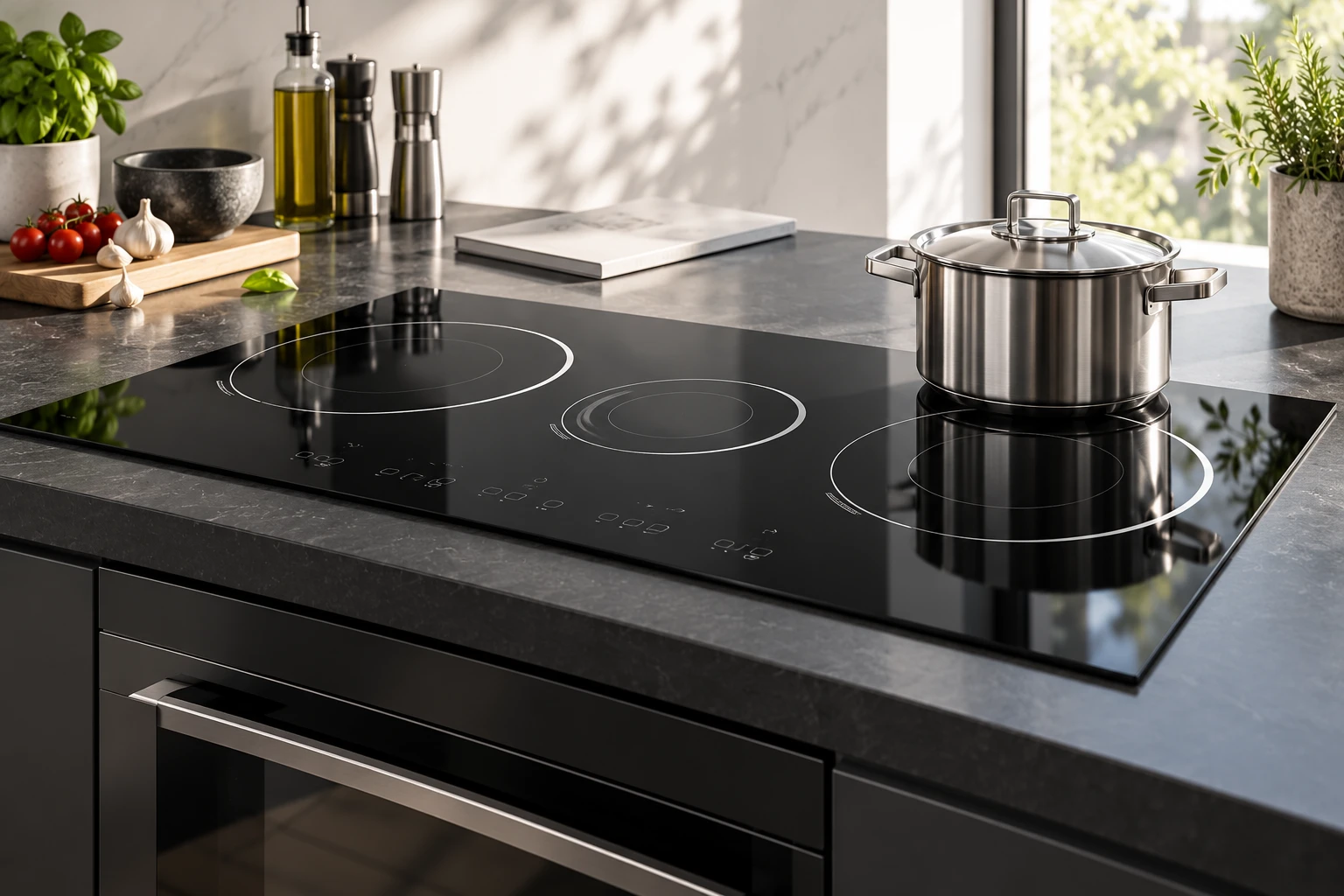
Record any recent change to the installation: a new oven below the hob, a drawer organizer, stored items, or a cabinet modification. These observations help the installer decide what to inspect without assuming the change caused the event. Keep installation documents and service invoices available. If the appliance worked previously, that history is useful but does not prove that every clearance or connection remains correct today. A qualified review should compare the actual appliance and cabinetry against the applicable installation instructions, including any model-specific conditions for an oven beneath the hob.
Do not repeatedly force a restart
If an approved restart does not resolve the problem, stop and request guidance. Repeatedly cycling the supply may erase useful context and can encourage continued operation despite an unresolved protective event. Never increase a circuit rating, use an improvised extension lead or modify the electrical connection to test a theory.
For cracked glass or suspected liquid entry, follow the damaged-appliance instructions and arrange assessment. A top surface that looks clean is not evidence about the electronics below it. The electrical and mechanical safety of the complete appliance cannot be confirmed from the panel material alone.
Keep children and other users informed that the appliance is awaiting a decision. If service asks for a demonstration, explain the symptoms first and follow its directions; do not recreate smoke, overheating or an electrical trip merely to obtain a video.
Give service a compact, reproducible record
Prepare the model, serial reference if requested, installation history, exact code, affected zones, pan description and sequence of events. Distinguish a blank display from a flashing pan indicator. State whether the problem occurs from a cool start or after cooking, and whether it depends on another zone.
List only actions actually taken, such as clearing an obstruction under the manual’s instructions. Keep any screenshots and continuous clips made during ordinary safe use. A report saying what changed after one permitted action is more useful than a list of guessed failed parts.
Ask whether the appliance may be used pending inspection, what conditions require isolation, and who should inspect installation details. Keep the manufacturer’s response with the service record. Do not treat generic online advice as an approval for your particular installation.
Where the glass supplier fits
Kanger supplies black glass-ceramic panels. Material, artwork, edge geometry and assembly details belong in the panel specification. Power electronics, sensing, cooling and shutdown logic belong to the complete appliance validation. A panel material statement cannot demonstrate that a controller is operating correctly.
The cooktop-glass overview explains the component context. OEM teams should route field evidence to the right owner and preserve the distinction between a visible panel defect and an operating complaint. Replacing a surface without an established cause can leave the original shutdown problem unresolved.
Further learning: induction and cookware
The educational video below explains induction and the role of cookware. It provides background, not a shutdown repair procedure. Its demonstrations do not establish what a fault code means on your appliance or authorize opening the hob.
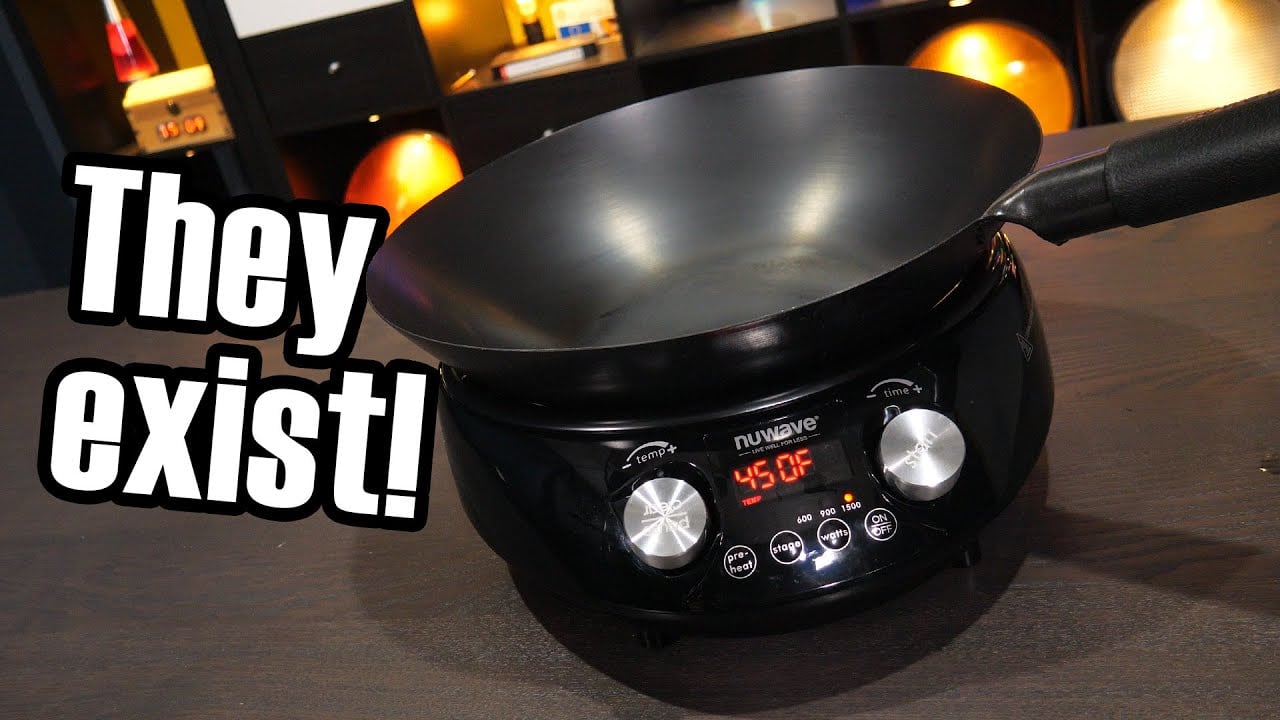
Video: Induction cooking – but what about woks?, Technology Connections. Open the educational video on YouTube.
Frequently asked questions
Can a spill turn an induction hob off?
Some touch-control models deactivate when liquid or an object obstructs the controls. Check the exact manual and use its cleaning and restart procedure. Repeated unexplained shutdowns need service guidance.
Does shutdown prove the glass is defective?
No. The behavior can involve controls, cookware, installation, protection or a fault. The panel alone cannot identify the cause.
Should I keep resetting the breaker?
Do not repeatedly reset an unexplained electrical trip to continue cooking. Stop use and obtain qualified advice under the appliance instructions.
Which details help the technician most?
Provide the model, exact code or display state, affected zones, cookware and event sequence, including any spill, timer or second-zone use.