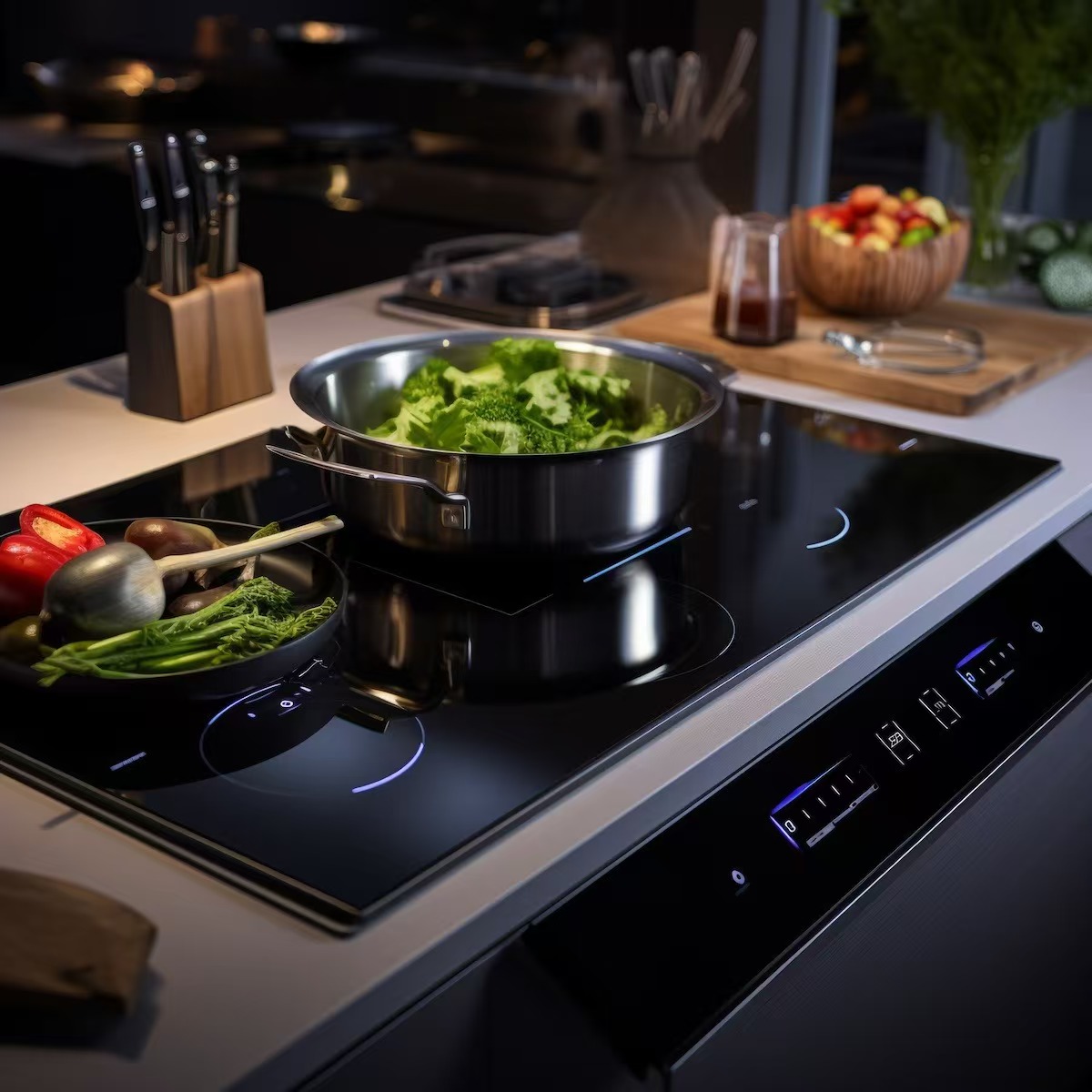
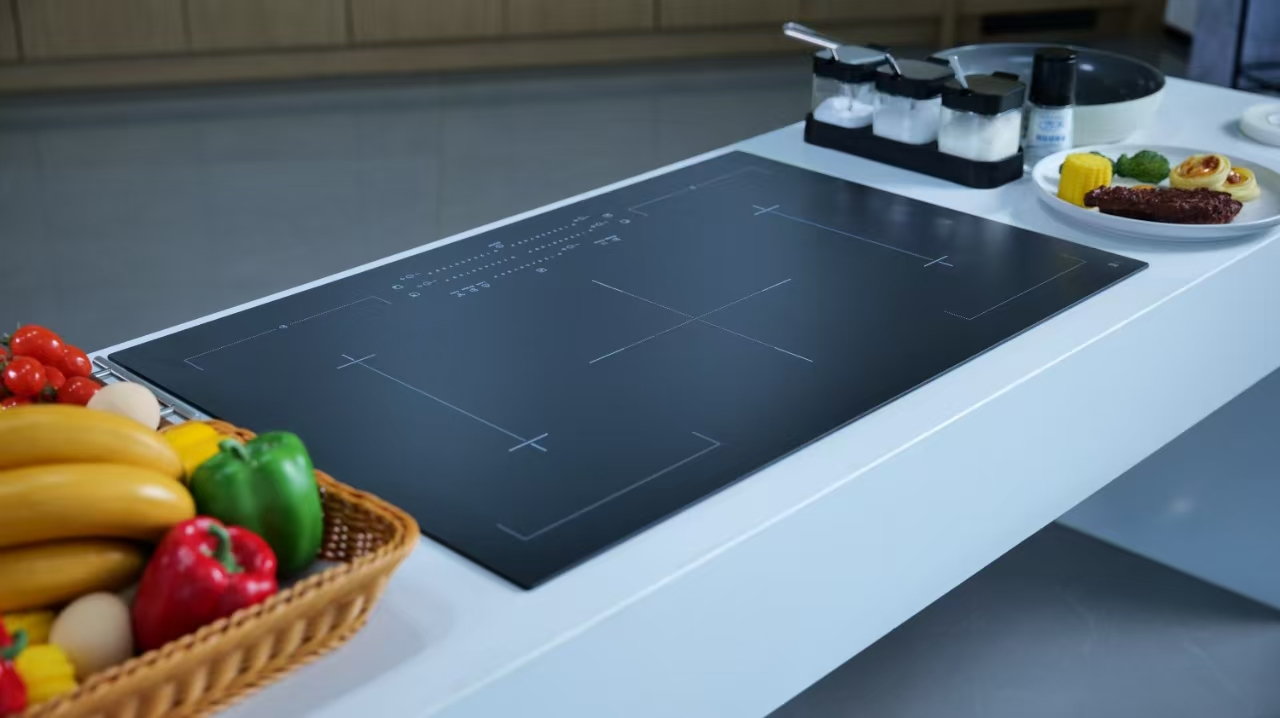
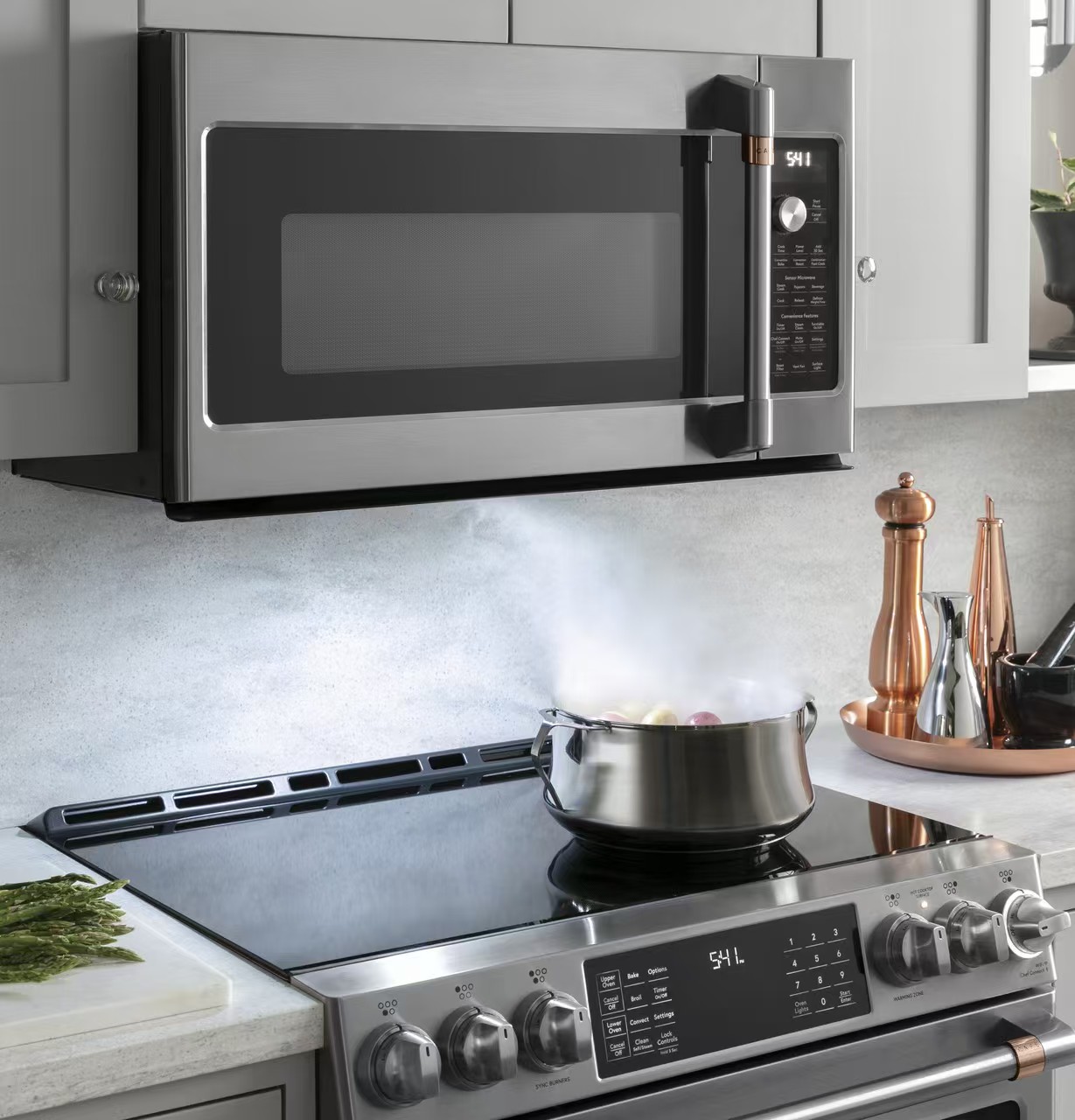
Induction hob touch controls let you select zones and change settings through the glass surface, but the operating sequence and symbols depend on the model. Start with a clean, dry control area and dry bare fingers, then follow the manual for switching on, selecting a zone and setting its power. If the hob does not respond, identify whether the issue is power, a locked panel, an obscured sensor area or cookware detection before assuming the glass needs replacement. Do not press harder, use a metal tool or open the appliance to make a touch key respond.
Many hobs separate the main power control from zone selection and power adjustment. Others provide individual sliders or direct controls for each zone. A touch that appears to do nothing may simply occur before the required selection step. Find the diagram in the manual and identify the main switch, zone selector and adjustment area. Compare the symbols with the actual appliance rather than following instructions for a similar-looking model on a video.
Use the touch duration and gesture stated in the instructions. A tap, a sustained touch and a slide are different actions, and there is no universal hold time that applies to all functions. Wait for the expected indication before moving to the next step. If a sequence fails, note which action was accepted. Repeatedly tapping several symbols together can obscure what happened and may accidentally select a different function.
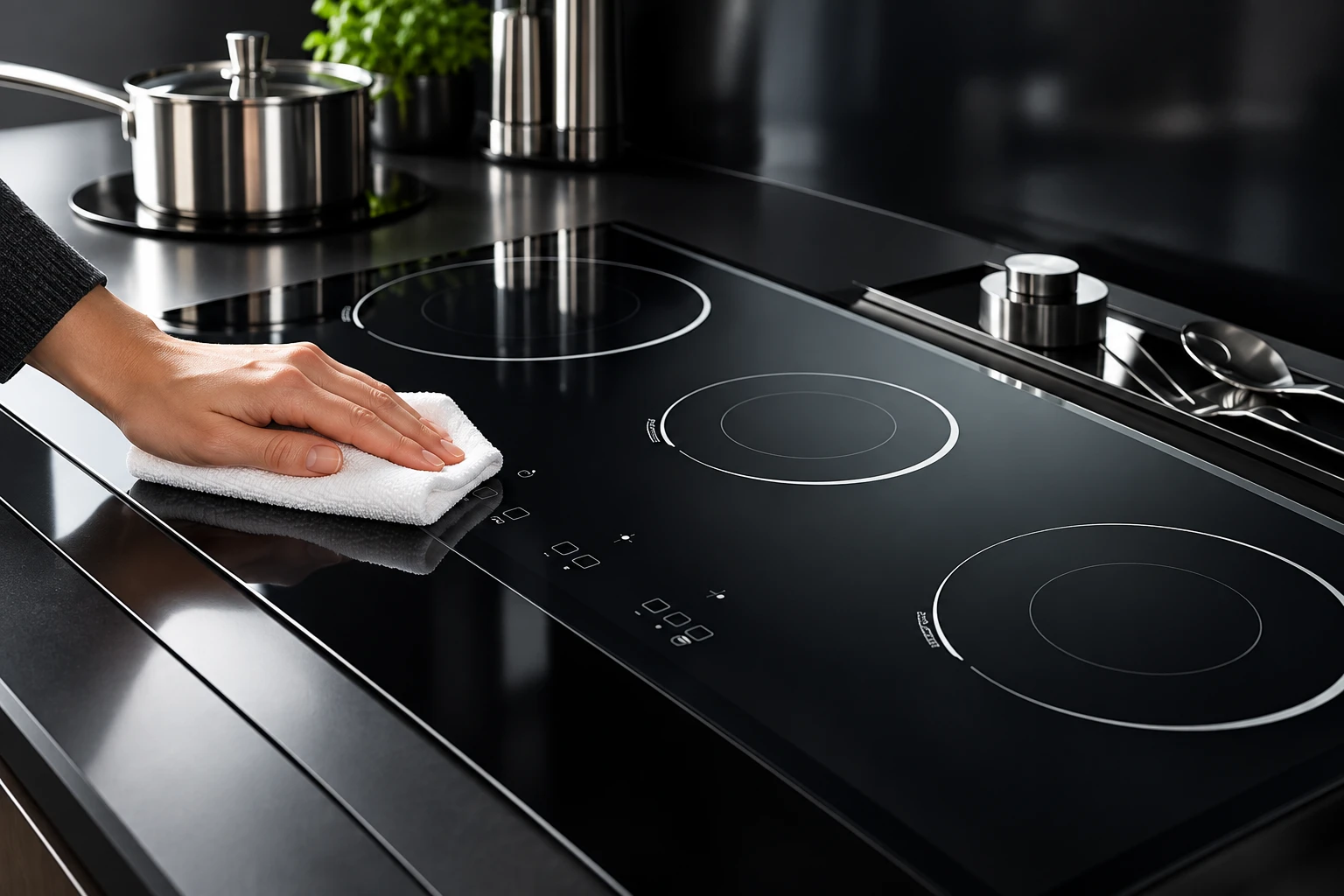
Before starting, remove utensils, packaging and other objects from the control area. Use dry bare fingers unless the appliance documentation permits a different method. If there has been a spill, make the cooking situation safe first and follow the manufacturer’s cleaning and restart instructions. Do not reach through steam or hot liquid to keep testing a key. Surface cleanup should not create a burn risk or move a hot pan into an unsafe position.
Once the surface is safe to clean, use the approved cleaning method and leave the control area dry. Avoid flooding the panel, spraying into assembly gaps or scraping symbols with improvised tools. A clean-looking film can still complicate operation, so follow the specified cleaning products rather than adding furniture polish or an unapproved coating. This is a user-level check; it does not identify a particular electrical fault or establish the construction of the sensor underneath.
| What you observe | First distinction | Appropriate next step |
|---|---|---|
| No display or response | Power state versus touch sequence | Check the manual and user-accessible supply indications |
| Lock symbol appears | Intentional control restriction | Use the exact unlocking instructions |
| Controls respond but pan does not heat | Selection and cookware detection | Check zone choice and compatible cookware |
| Response changes after a spill | Obscured or wet control surface | Make the area safe, then clean and dry as instructed |
| One area remains unresponsive | Local symptom after basic checks | Record it and contact authorized service |
| Glass is cracked | Physical damage | Stop using the hob and obtain service advice |
These distinctions organize observations. They are not fault codes or a universal repair procedure. Never use this table to override a warning in the appliance instructions.
Child locks, control locks and temporary wipe-protection modes can intentionally restrict normal touch actions. A panel that displays a lock symbol may therefore be responding exactly as designed. Check the manual’s explanation of the displayed state and its release sequence. Do not apply a generic long press copied from another model, particularly if the same symbol performs several functions.
The induction hob child-lock guide covers identifying the lock itself. This article focuses on operating the interface and separating symptoms before service. If the prescribed unlocking action does not work, note whether the display changes or a sound occurs. Do not repeatedly cycle through unrelated key combinations. A photo of the state and the appliance model number is more useful to support than a report that every possible button has been pressed.
When a display accepts a zone and setting but the pan does not heat, the touch interface has already provided some evidence of response. Check whether the appliance is waiting for compatible cookware or showing a pan symbol. Use the manual’s approved pan sizes and placement. A magnet can screen material compatibility, as explained in ENERGY STAR guidance, but it does not guarantee that every base size will be detected on every zone.
Resolve that specific problem using pan-detection checks. Also distinguish a paused zone, a timer-controlled shutdown or a power-sharing adjustment from an unresponsive touch key. Record the indication before changing settings. An apparent control problem can become much easier to describe once you separate what the screen accepted from what the heating system actually did. None of these observations alone justifies ordering replacement glass.
A pause mode can change active-zone behavior and limit some adjustments while retaining others. If you see a pause indication, identify its meaning and exit method in the manual. The pause-function article explains the difference between temporarily interrupting cooking and switching zones off. Do not infer a stuck sensor merely because a power adjustment is unavailable in a special operating state.
Likewise, an active timer may be associated with one selected zone rather than the whole hob. Touching a timer control may adjust time while leaving power unchanged. Look at which setting is highlighted before sliding or tapping. When several pans are cooking, confirm the affected zone after every adjustment. This is especially important when the interface uses one shared adjustment strip for multiple zones.
Some manufacturers include a user-level power reset in their support instructions. Follow only the procedure for the specific appliance and only when it can be done safely. Do not remove panels, probe wiring or repeatedly reset a breaker that trips. A reset is not a repair for damaged glass, a liquid-ingress concern or a persistent electrical symptom. Contact authorized service when the instructions say to stop.
If a permitted reset restores operation, record what happened before the interruption and whether the symptom returns. That observation helps support evaluate the problem, but it does not identify a failed component. Avoid claiming that a sensor has recalibrated unless the manufacturer explicitly describes that behavior. If settings change unexpectedly or the hob cannot be reliably controlled, stop using it and follow the service instructions.
Touch systems operate as part of an assembly that includes glass, graphics, electronics and software. The black surface is not itself the complete control system. Scratches, contamination, damaged graphics or cracks may warrant attention, but the appearance of the top does not reveal the cause of an electronic fault. Never treat a decorative overlay, adhesive film or replacement panel as a harmless way to improve touch response.
Kanger’s black glass-ceramic cooktop panel belongs to this larger appliance assembly. A panel material or printing sample must be assessed with the intended touch electronics and design. The engineering issues are discussed separately in capacitive touch through glass and the black glass-ceramic overview. Those component-design questions should not be turned into consumer repair instructions or a claim that all glass panels are interchangeable.
During product development, specify the visible symbols, control positions and intended user actions alongside the panel drawing. Verify operation with the chosen electronics and final assembly. Include the cleaning instructions and foreseeable wet-surface situations in the product’s appropriate evaluation plan. A generic photograph or an isolated material property does not prove that an assembled control interface will behave reliably.
Keep records of the glass and print revisions, electronics version, software configuration and test conditions. If a symptom changes with a drawing or component revision, preserve that traceability before assigning a cause. For replacement projects, confirm the approved part number and assembly requirements with the appliance manufacturer. Matching outer dimensions alone is insufficient evidence for substituting glass over a touch-control system.
Record the model number, displayed symbol or code, affected control area and the exact sequence attempted. Note whether the hob was cool or recently used, whether a spill occurred and whether a pan was detected. Describe responses separately: sound, changing display, selected zone and actual heating. Take photos only when safe. Do not stage a fault by heating empty cookware or wetting the control area.
Explain which manual-based checks were completed, such as removing objects or cleaning and drying the surface. This helps service avoid asking you to repeat steps and keeps the diagnosis bounded by actual observations. If the appliance is damaged or behaving unpredictably, keep it out of use until you receive appropriate advice. Continue following U.S. Fire Administration cooking guidance during ordinary cooking: remain attentive and turn the burner off when leaving the kitchen.
The neutral educational video below explains touch sensing in general. It supplies background rather than a wiring guide, fault diagnosis or guarantee that your hob uses the exact sensor construction illustrated. Always use the appliance documentation for operation and service.
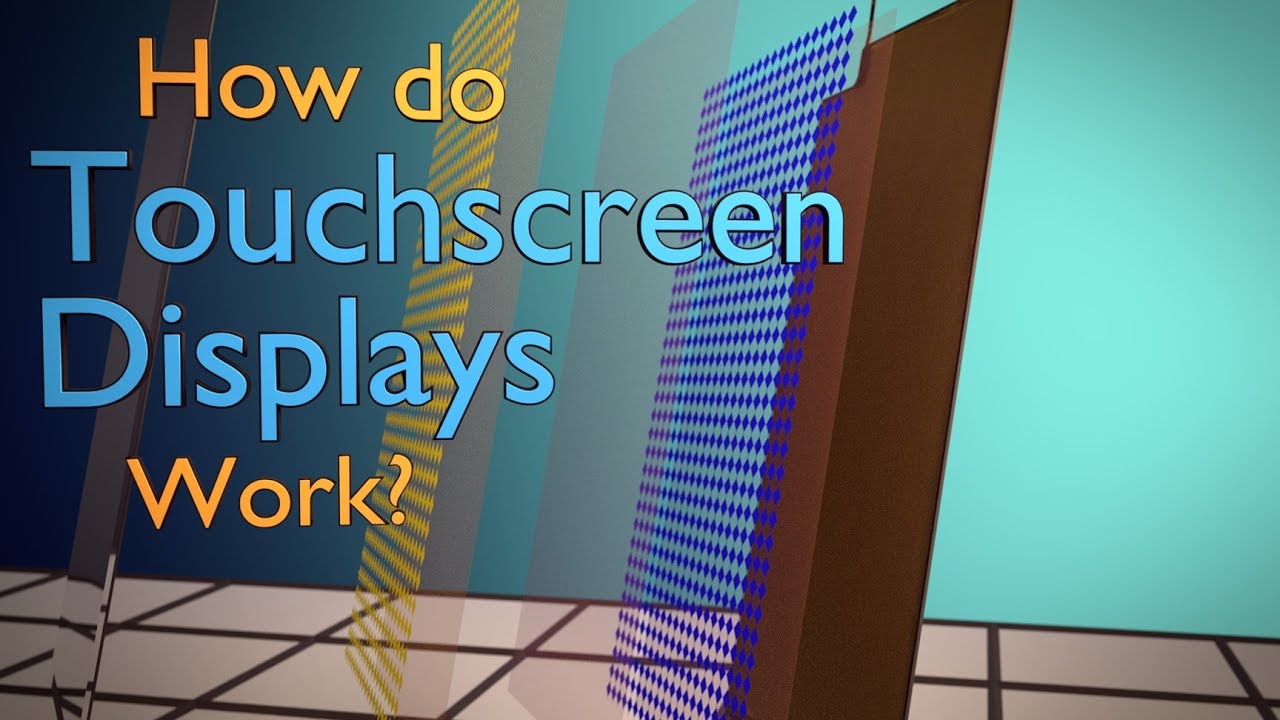
Video: How Do Touchscreens Work?, Branch Education. Open the educational video on YouTube.
The required sequence, gesture, surface condition and operating state vary. Start with the exact manual, a dry clear control area and the expected zone-selection steps.
No. Use the prescribed gesture with a dry bare finger. Do not use tools or excessive force; record a persistent problem and seek service guidance.
No. If the display accepts settings, separately check pan detection, zone selection and special operating states using the manual.
Not without diagnosis. The interface includes glass, printing, electronics and software. Use an approved replacement only after the appliance fault and correct part are established.