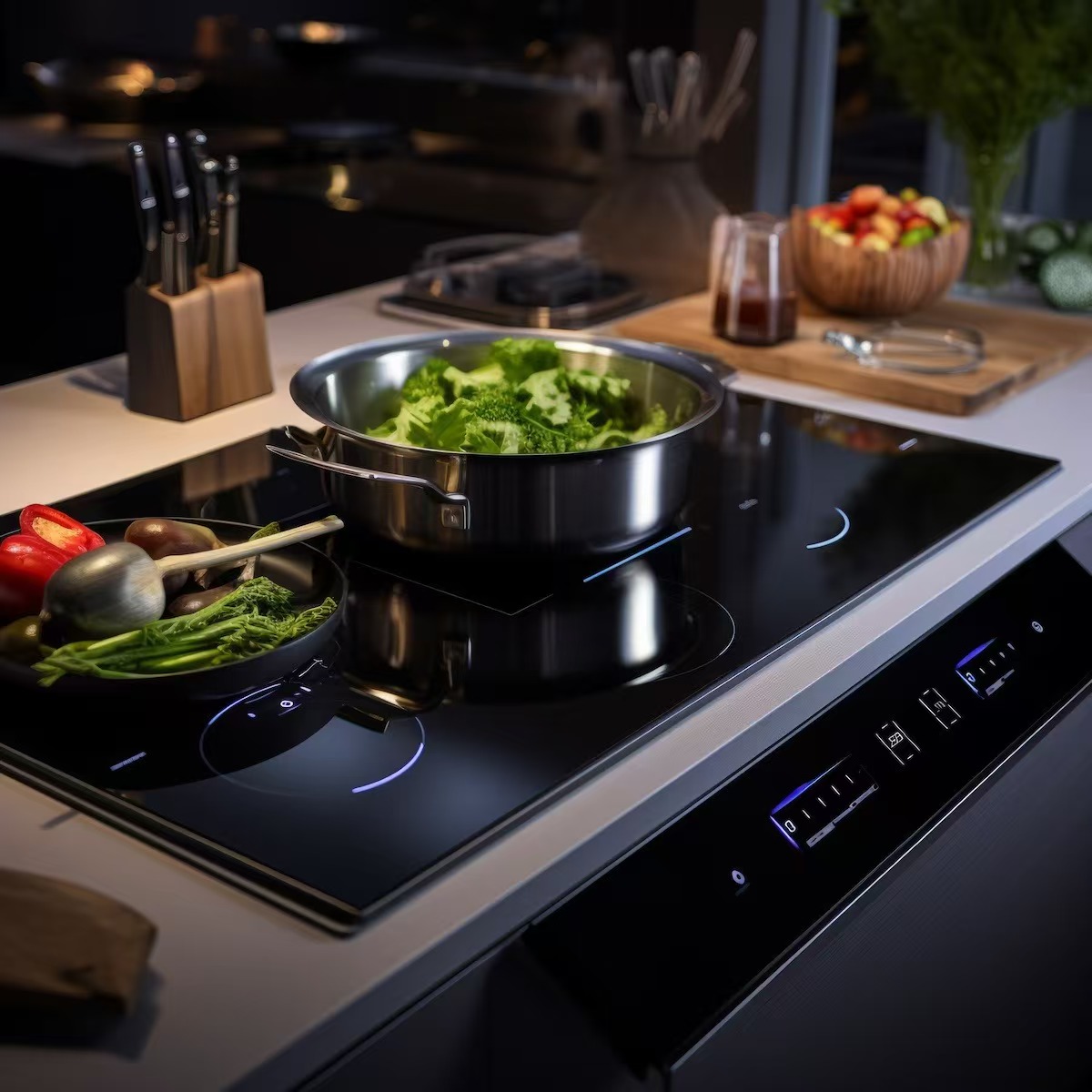
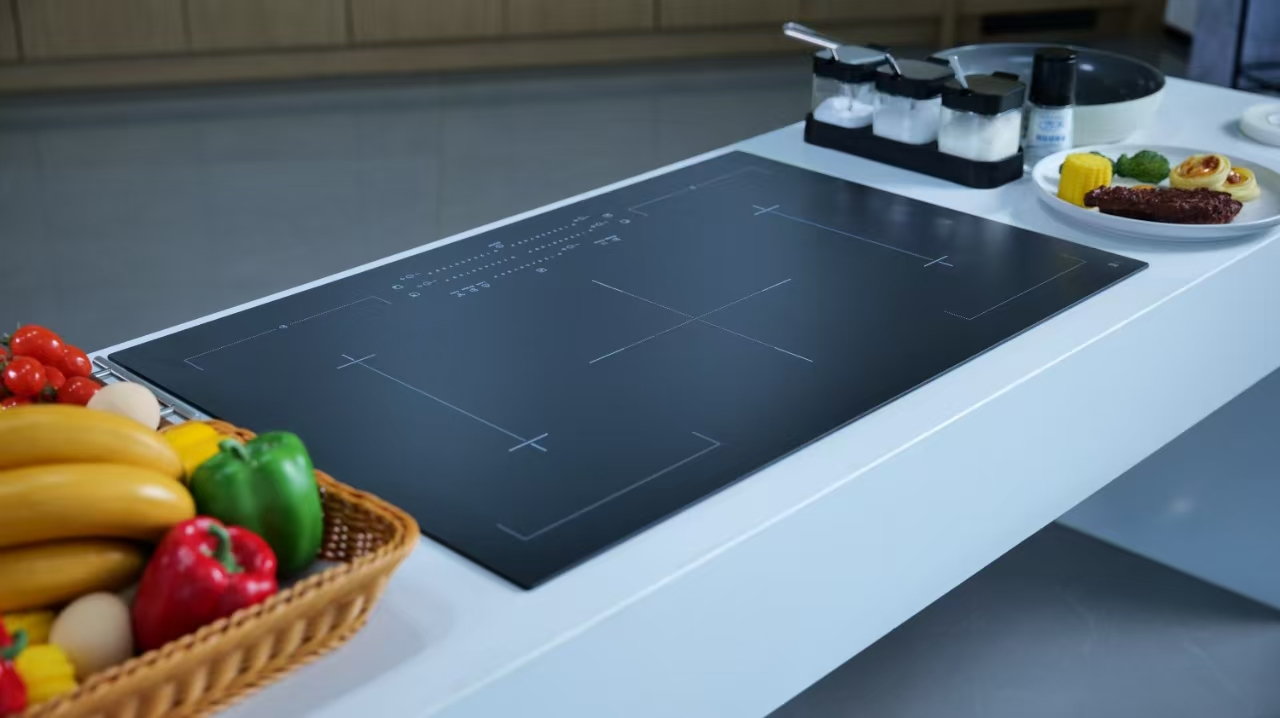
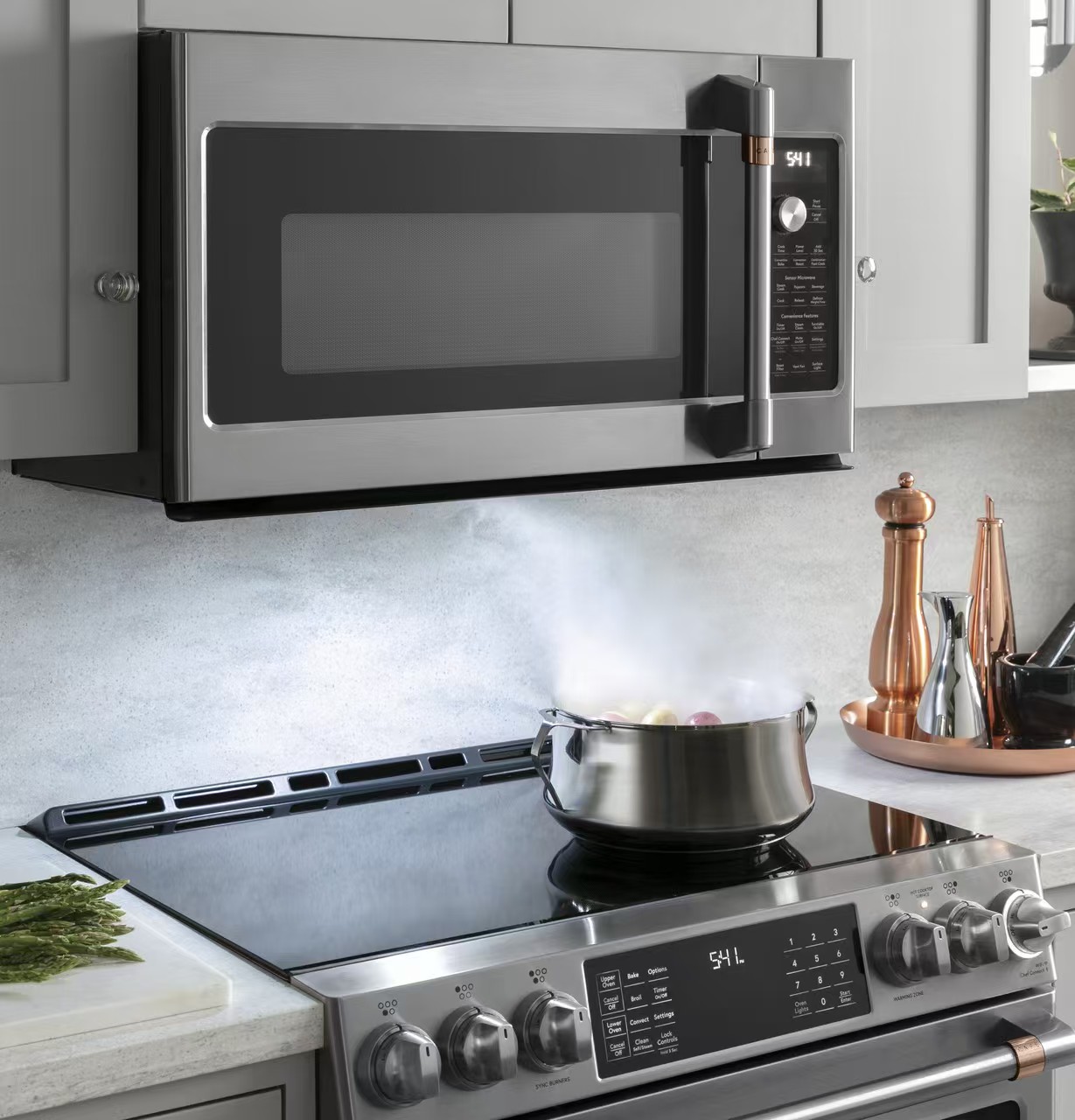
An induction hob timer can be a reminder, a countdown linked to one cooking zone, or an elapsed-time display. Before relying on it, identify the timer type in your exact appliance manual and confirm which zone, if any, it controls. A clock symbol and an audible alarm do not by themselves prove that heating will stop. Set the cooking level and timer separately as instructed, remain present, and check the zone after the countdown finishes. The glass and cookware may remain hot even when a timed zone has switched off.
This guide explains how to identify the function, avoid selecting the wrong zone and collect useful information if the timer behaves unexpectedly. It does not supply a universal button sequence: similar-looking black glass panels can sit above different controllers with different menus. A separate kitchen timer is useful for reminders, but it cannot change the hob’s power setting.
A minute minder counts down and alerts you. A zone-linked timer associates a cooking duration with a selected heating area. A count-up display reports elapsed time rather than a deadline. Some appliances offer more than one option through the same display, so the setting procedure matters as much as the clock icon. Look for the complete function name and the indicator that identifies the selected cooking area.
The Electrolux function overview illustrates this distinction with separate entries for a countdown timer, count-up timer and standalone minute minder. Its descriptions apply to supported models; they are an example of why the manual matters, rather than instructions for every induction hob.
| Function described in the manual | Question to answer before cooking | Safe expectation |
|---|---|---|
| Minute minder or independent alarm | Is it linked to any cooking zone? | Treat it as a reminder unless the manual says otherwise |
| Zone countdown with automatic switch-off | Which zone indicator confirms the association? | Check that zone after the countdown completes |
| Count-up or elapsed-time display | Does it count from the start rather than toward zero? | Do not assume it provides a cooking deadline |
| Special residual-heat timer mode | Does the model finish part of cooking using retained heat? | Follow that model’s explanation rather than a generic timer rule |
Find the model reference from paperwork or an accessible rating label, following the manufacturer’s identification instructions. Do not lift an installed hob or reach into its enclosure. Match the manual to that reference, including any regional version. A video showing a similar slider is insufficient evidence that your timer has the same behavior.
Read the timer section together with the zone selection, pause and lock sections. These functions may interact. Write down whether a cooking level must be set before the timer, whether the timer belongs to one zone or several zones, and how to cancel it without changing another setting. Where the display cycles between multiple countdowns, check how the active zone is identified.
If you cannot locate the correct instructions, use a separate reminder while remaining at the hob and switching cooking off manually. That is preferable to treating an unfamiliar menu as a verified automatic switch-off. Contact the appliance maker for the correct manual when the panel symbols are unclear.
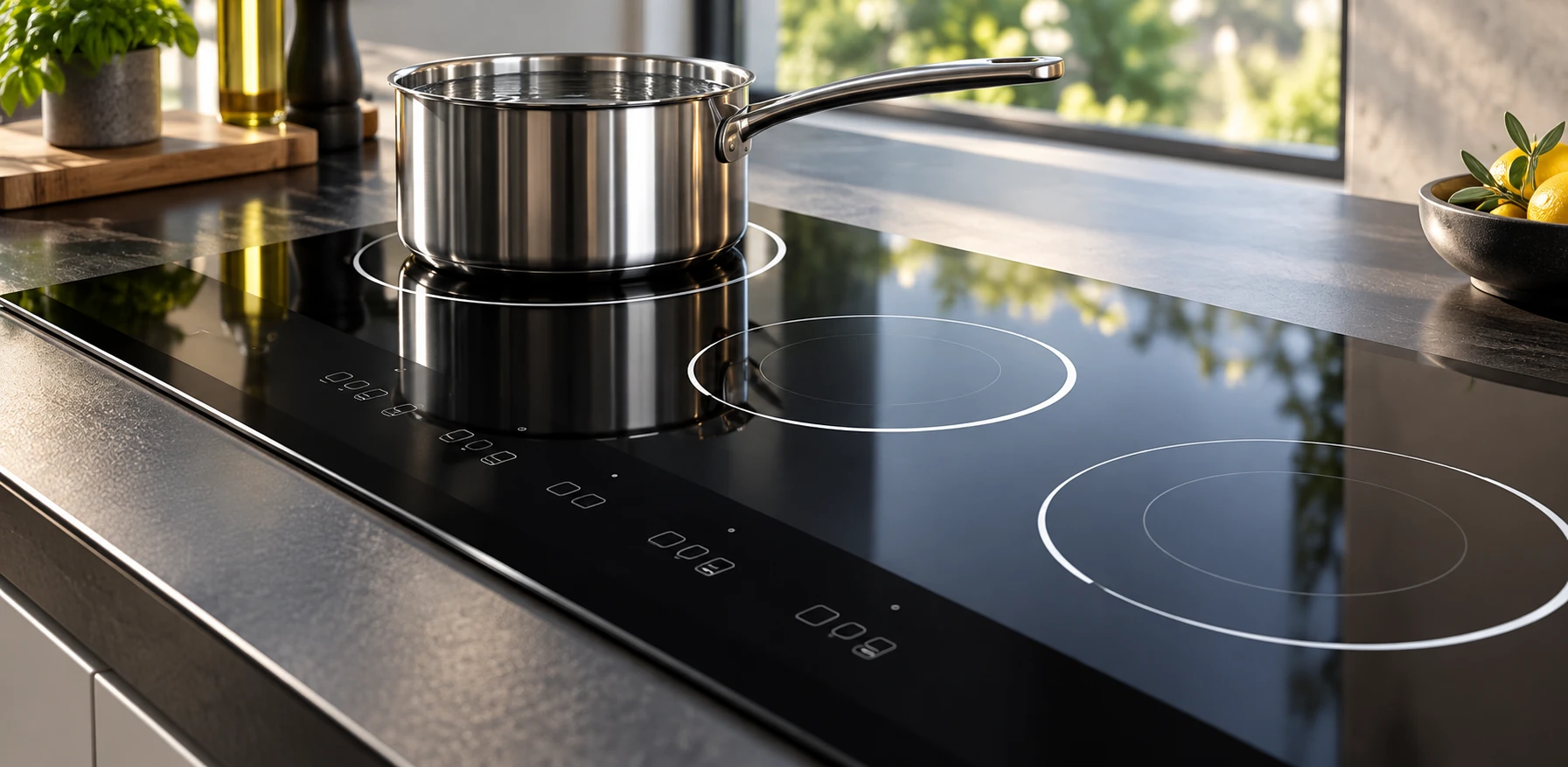
Begin with a cool, clean surface and compatible cookware. Keep the touch-control area dry and clear. Use the manual’s permitted operating setup and stay beside the appliance; never energize an empty pan to test a timer. A simple water-heating task is easier to observe than frying or a pan that needs frequent stirring, provided it follows the appliance instructions.
Select the intended zone, set an appropriate cooking level, and then follow the documented timer procedure. Confirm the selected-zone indicator before accepting the duration. If two zones are active, identify each separately. Do not infer the association from whichever pan is closest to the clock display.
Watch that the countdown starts and that the cooking level remains what you intended. A short entry timeout, a repeated touch or a wet control can leave a setting different from the one you expected. If the display is ambiguous, stop safely and check the instructions rather than making several rapid corrective presses.
Check the zone power indication, the alarm and any timer symbol together. An alarm alone does not tell you whether the selected zone stopped heating. If the manual specifies automatic switch-off but the zone still appears active, turn it off using the documented control and arrange further advice before relying on timed operation again.
Do not test the glass with your hand. The Department of Energy introduction to induction cooking explains that induction transfers energy to suitable cookware. That does not make a cooking surface safe to touch: a hot pan can transfer heat back to the glass. Treat residual-heat indicators according to the manual.
Food also continues changing after power stops because the pan and its contents retain heat. A timer endpoint is not a measurement of food safety or doneness. Check the recipe and relevant food-safety instructions separately. Do not extend the cooking time blindly because a display has reached zero or because water is still visibly moving.
First distinguish a display change from a setting loss. Some panels show one selected function at a time. If the manual describes switching between zone timers, follow that method before concluding that another countdown disappeared. Note which indicators remained visible and whether the cooking power changed.
Check for an unintended zone selection, an independent alarm being used instead of a zone timer, or an unconfirmed duration entry. Clean and dry the control area only when safe and as directed. If a lock or pause function is active, read its interaction with timers; do not assume that pausing cooking also pauses every clock.
Keep an observation record with the model, active zones, heat settings, timer mode, intended duration and exact displayed message. A photograph taken from a safe position can be more useful than the description “the timer is broken.” Repeated unexplained power changes belong in the induction shutdown troubleshooting guide, with service escalation when instructed.
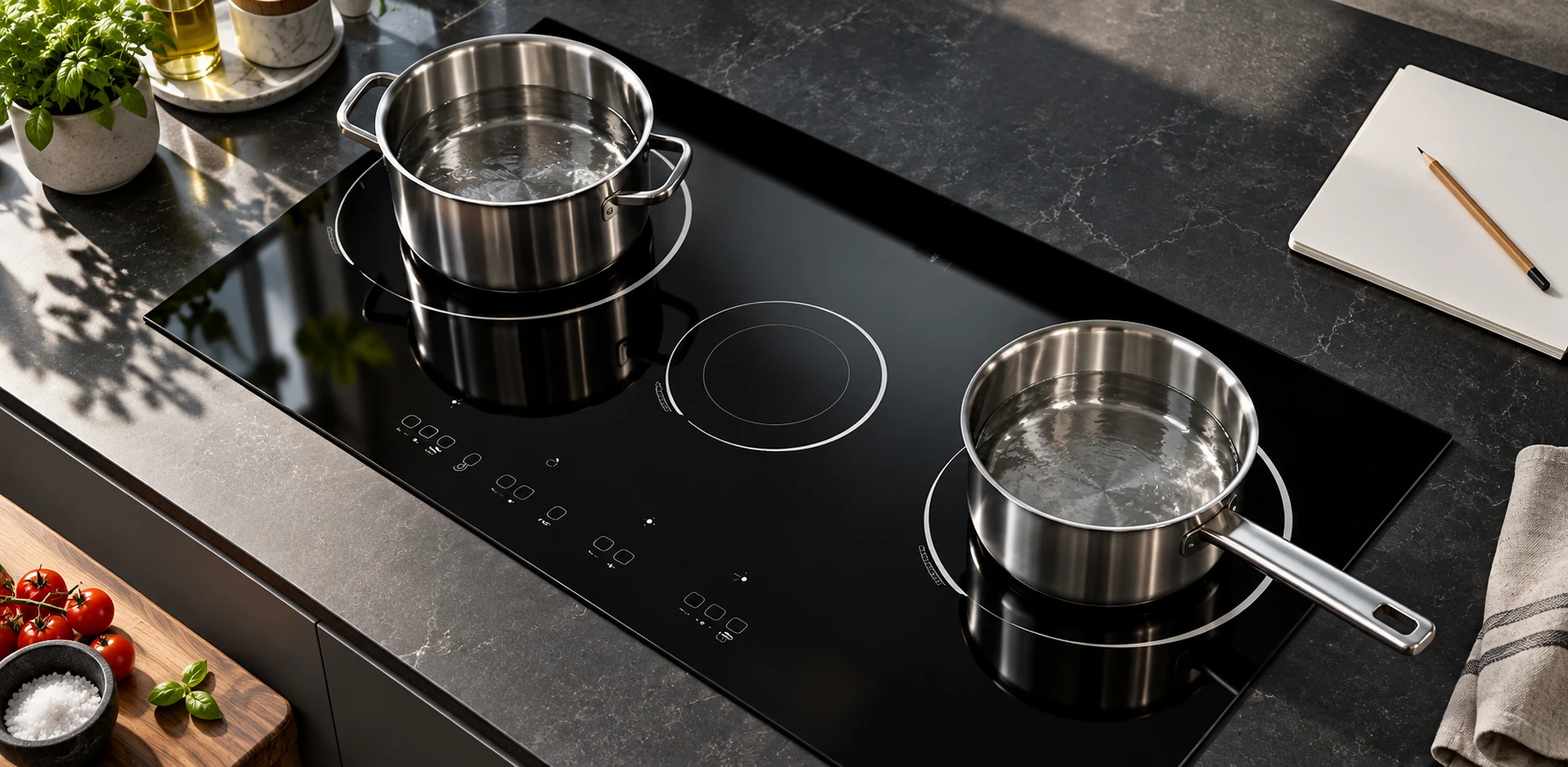
When cooking on two zones, label the association mentally by position, not by pan contents. Confirm the front-left zone indicator before setting its duration, then repeat for the second zone if the appliance permits separate timers. Check whether the shared display shows the shortest countdown, the selected zone or another documented priority.
Do not use identical countdowns as a substitute for understanding the controls. One alarm may represent only one setting. If a pan is moved, determine whether the model transfers settings or requires a fresh selection; never assume the timer follows the cookware automatically. Bridged zones can have their own rules.
A timed zone can also behave differently from another because of shared power allocation, even when both timers are correct. See the separate explanation of induction power sharing before interpreting different boiling rates as a timer fault. Timing, power level and cookware behavior are separate observations.
The U.S. Fire Administration cooking guidance emphasizes staying attentive to cooking. A timer is an aid to that attention. It does not detect every spill, inappropriate pan, overheating ingredient or unexpected change in a recipe. Avoid starting a task that requires leaving the cooking area before you can safely stop it.
If the phone rings or another task interrupts you, make a deliberate decision about stopping cooking instead of assuming the timer makes the interruption safe. Keep combustible items away from the hob and maintain access to its controls. Do not cover the control area with a towel, a manual or the separate reminder device.
For an OEM project, define the timer’s behavior in the controller specification and the visible symbols in the artwork specification. Specify the zone association, selected-state indication, alarm behavior and user instructions as a coordinated system. A glass supplier cannot establish automatic switch-off behavior from a printed clock icon alone.
Kanger’s black glass-ceramic cooktop panel page provides a product starting point; the black glass-ceramic overview explains the material category. Confirm artwork position, visual contrast and finished assembly performance with approved samples. Do not infer a controller function or safety certification from the appearance of an editorial image.
The following Branch Education video explains touchscreen principles. It helps distinguish the visible control surface from the electronics interpreting an input; it is not a timer-setting guide for your model. Use the appliance manual for operating sequences and service decisions.

Video: How Do Touchscreens Work?, Branch Education. Open the educational video on YouTube.
No. A minute minder may only sound an alarm. Check the exact timer mode and model instructions before relying on automatic zone switch-off.
Only as the appliance instructions permit. Confirm the zone association for each countdown, and do not assume an independent alarm controls either pan.
A hot pan can transfer heat to the surface, and retained heat remains after power stops. Follow residual-heat indications and never test the glass by touching it.
Report the model, timer mode, selected zone, heat setting and exact display behavior. Stop relying on that function until the manufacturer or qualified service confirms safe operation.