Kanger Glass-ceramic Co., Ltd.
ERP software for glass manufacturing should connect the customer requirement, material identity, approved drawing, production route, inventory, quality decision and shipment record. Choose a system by having suppliers demonstrate those connections on realistic glass orders, including changes and exceptions. A general manufacturing feature list is not enough to establish support for sheets, offcuts, decorated variants or split production lots. This guide provides a practical evaluation sequence for glass fabricators and OEM component buyers without endorsing a particular software brand.
Begin with a real order journey
Map one representative order from inquiry to delivery. Record who creates the quotation, who approves the drawing, how material is reserved, how production is released and who decides whether the completed part can ship. Include the records currently used at each step. The first task is to expose missing or conflicting information, not to reproduce every existing spreadsheet inside a new system.
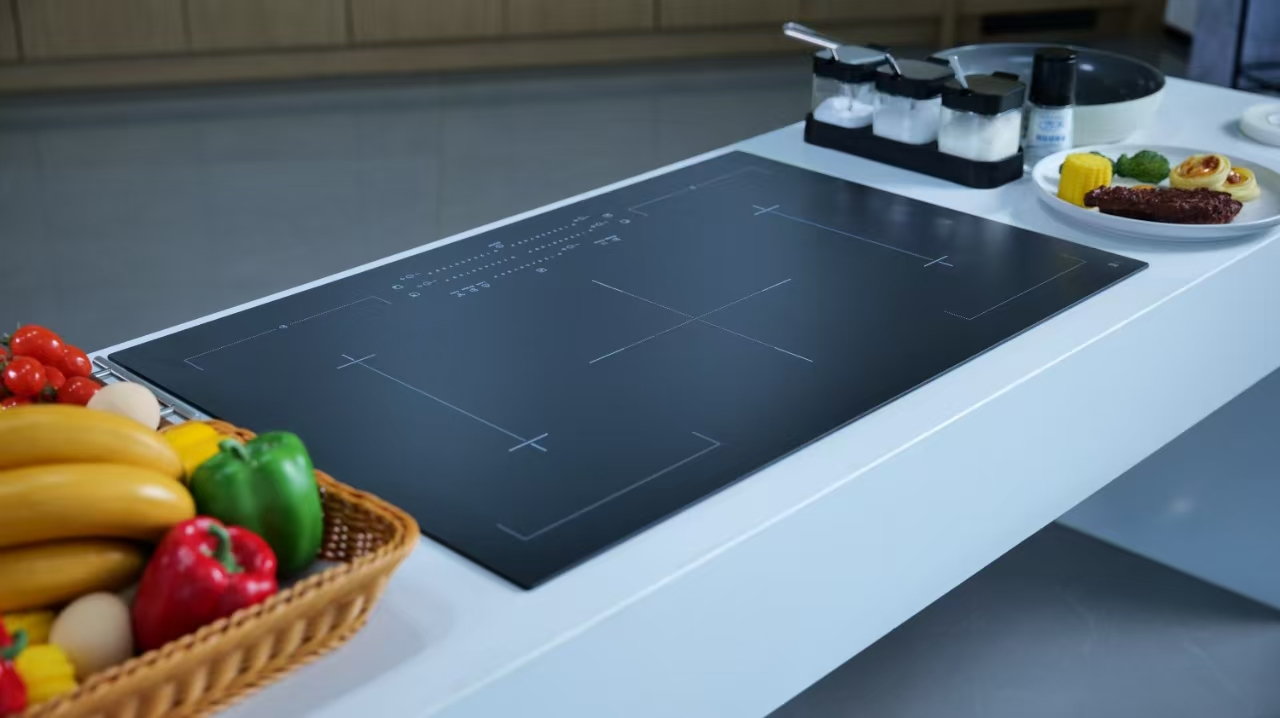
Use an order whose component identity matters. A tempered appliance-control glass panel, for example, may need a defined geometry, surface appearance and decoration requirement. Kanger’s product page provides finished-component context; it does not show Kanger’s internal software, data fields or production system. The examples below are evaluation scenarios, not descriptions of an actual customer or factory implementation.
Choose a second order that behaves differently: a repeat order, a different material family, a smaller batch or a drawing change. If the proposed software only handles the easiest case smoothly, the demonstration has not yet answered the purchasing question.
Keep material, part and order identity separate
A raw sheet, a finished glass component and a customer order are related objects, but they should not be treated as interchangeable descriptions. Ask the supplier to show how the system connects them and where their approved information is stored. Confirm how a user distinguishes a material specification from the drawing of the finished part.
Review the attributes that actually distinguish your variants. These may include material family, dimensions, edgework, holes, decoration, orientation or a controlled customer reference. Do not create a separate item for every descriptive word without deciding how that item will be maintained. Conversely, do not hide a meaningful difference in a free-text note that production cannot reliably retrieve.
Agree the units used for length, area, quantity and stock. Demonstrate the conversion rules with your own examples. A total that looks plausible can still be wrong if a quotation, stock reservation and cut list use incompatible units or conventions.
Demonstrate sheet and offcut inventory
If sheets and reusable offcuts are part of the business, ask how the proposed system records their identity, dimensions, location, condition and availability. Show the supplier an actual offcut-management problem. Establish whether the necessary function is included in the ERP, supplied by another application or handled by a controlled manual process.
Separate physical stock from stock that is available to promise. A sheet may be reserved, under inspection, damaged or otherwise unsuitable for an order. Ask what prevents that material from being allocated to the wrong job and how a user can explain the reason for its status.
Do not assume that an ERP includes a cutting optimiser. The purchase scope should distinguish business records, nesting or cutting software, machine interfaces and any agreed data exchange. A supplier should demonstrate the boundary between those functions rather than calling the whole arrangement an integrated solution without evidence.

Control the drawing that production actually uses
Ask the software supplier to demonstrate a drawing revision after an order has already been quoted or released. Identify which jobs, purchased materials, process documents and customer approvals are affected. The relevant question is whether the system makes the approved configuration clear, including cases where earlier work has already been completed.
A file attachment alone does not establish revision control. Demonstrate how a production user finds the approved drawing, how an obsolete copy is identified and who is allowed to release a changed requirement. Specify how the record of a decision remains connected to the configuration it approved.
The drawing-revision control guide for appliance glass defines the engineering task that software must support. An ERP can help manage that task, but it cannot decide whether a geometry or material change is acceptable for the appliance.
Evaluate production routes and exceptions
Have the supplier walk through the intended route, using operation names and decision points that your team recognises. Include the handling of outside processing where it exists. Determine how the order records what was planned, what was actually completed and which configuration was used.
Test the exceptions deliberately. Ask the supplier to demonstrate a partial completion, a held lot, an approved rework and a replacement requirement. Explain the decisions your team needs to make in each case. Do not accept a smooth normal-order demonstration as evidence that an interrupted production route remains traceable.
NIST’s Digital Thread in Manufacturing overview explains the importance of exchanging product-design and manufacturing information without losing its meaning. It is general manufacturing background, not proof that a proposed ERP supports a particular glass machine or data format.
Make lot tracing an observable demonstration
Select a sample finished lot and ask the supplier to trace it back to the relevant input material and process records. Then select an input lot and ask which finished components or shipments are connected to it. These two directions answer different questions and should both be demonstrated where they matter to the business.
The GS1 Global Traceability Standard distinguishes tracking events from the data that describes them. Its framework is useful when deciding which receiving, transformation, packing and shipping records must remain connected. Applying that framework still requires a process-specific design; the presence of a barcode does not establish complete traceability.
Define the level of identity you actually need. Some decisions may operate at batch level, while another application may need individual-part identity. Agree this with the responsible parties. Do not introduce a serial-number scheme merely because a software demonstration makes it look easy, or omit a necessary relationship because it is inconvenient to record.
Keep quality status attached to the right object
Ask how an inspection result relates to the material, finished part, lot or order it actually evaluated. A result for one sample should not silently become the approval for every related variant. Show how a held lot is prevented from moving into an unauthorised shipment.
Separate the requirement from the observation and the release decision. This makes it possible to explain why a result was accepted under one configuration and not another. The incoming-inspection and sampling-record guide provides component-quality context. Software does not replace the agreed inspection method or the authority responsible for release.
Also evaluate access to supporting records. A useful demonstration should show how someone investigating a later issue can retrieve the relevant drawing, inspection evidence and recorded decision without guessing which document was current.
| Evaluation scenario | Demonstration to request | Acceptance evidence |
|---|---|---|
| Material reservation | Reserve suitable stock while excluding held or unavailable material | Clear identity, quantity, status and reason for exclusions |
| Drawing change | Change an approved drawing after some work has started | Affected work identified and release decisions retained |
| Split production | Complete and ship only part of an order | Remaining quantity and associated lot records still coherent |
| Quality hold | Hold a lot and demonstrate its effect on picking and shipment | No unauthorised release and a visible decision history |
| Lot investigation | Trace an input to outputs, then a finished lot back to inputs | Retrievable relationships and supporting records in both directions |
| Data export | Export agreed records and attachments in the contracted form | Usable files, retained relationships and clearly stated exclusions |
This is an original evaluation worksheet. It does not claim that every ERP includes these functions or that a named vendor has passed the scenarios.
Test shipment and customer-document requirements
Show the supplier the documents your customer expects and the decisions needed before shipment. Check partial deliveries, mixed lots and corrected documents. The demonstration should explain how the shipment record remains connected to the components and requirements it represents.
Confirm the handling of an approved repeat order. The system should help the team identify what remains unchanged and what needs review, rather than treating a repeated customer reference as automatic approval of every new configuration.
Use the OEM appliance-panel specification guide as the component-level counterpart to this software review. Keep the product request, quality requirement and shipment documentation aligned while leaving the ERP supplier responsible for demonstrating the contracted software functions.
Agree implementation responsibilities before purchase
Define who cleans the existing data, who decides its approved meaning and who verifies the migration. Choose a manageable set of representative records for the first trial. A large imported item list is not useful if the team cannot distinguish current variants, duplicate descriptions and obsolete drawings.
Document which integrations are included and which depend on another supplier. Specify the responsibility for testing a failed transfer, a repeated transfer and a changed requirement. Ask for an export demonstration and a clear description of data ownership and retrieval, so that the business understands what it can recover from the system.
Set a practical approval plan with responsible users from purchasing, production, quality and shipping. Use the scenarios above to decide whether the system works for the business. Neither a branded dashboard nor a catalogue claim substitutes for that evidence.

Educational video: product identification and supply-chain visibility
GS1 US explains how traceability and inventory visibility support a more coherent supply chain. This industry-education video supports the lot-tracing section above; it is not a glass ERP product demonstration or evidence that Kanger uses a GS1 implementation.

Watch Enable a More Visible Supply Chain with GS1 US
Frequently asked questions
Which ERP software is best for glass manufacturing?
The best fit depends on the actual business route and required records. Compare suppliers using representative orders, drawing changes, stock reservations, quality holds and tracing scenarios rather than a generic feature count.
Does an ERP automatically include glass cutting optimisation?
No. Confirm whether cutting optimisation is included, provided by a separate application or handled through an agreed integration. Require a demonstration of the boundary and its exception handling.
Does adding barcodes make every glass order traceable?
No. Identification must remain connected to the relevant events, inputs, outputs and records. Demonstrate a finished-lot investigation and an input-to-shipment investigation using the actual proposed workflow.
Does the Kanger product photograph show the company’s ERP?
No. The images illustrate finished glass-component identity and record-review concepts. They do not show actual internal software, customer information or an implemented Kanger production-data system.