Kanger Glass-ceramic Co., Ltd.
A capacitive touch sensor can detect a finger through a suitable glass cover because the cover participates in an electric-field sensing arrangement rather than acting as a mechanical switch. Reliable operation depends on the complete stack: glass properties and thickness, decoration, adhesive, air gaps, electrodes, electronics, grounding, and software. A panel that looks correct is therefore not automatically compatible with a touch controller. Appliance teams should qualify the actual cover and assembled sensor together, using representative operating conditions and clear criteria for missed touches, false activation, and recovery.
This guide concerns the interface between the glass component and the electronics. It does not provide a universal maximum glass thickness, certify electrical isolation, or replace the controller manufacturer’s design guidance. A product photograph can show the intended control layout, but it cannot prove how the hidden sensor is constructed.
Understand what the glass does in a touch system
Capacitive sensing detects a change in an electrical measurement associated with a finger or other intended interaction. MIT’s explanation of touch-sensitive screens introduces the role of the human body and capacitance. The visible glass cover is only one part of that system. A printed button symbol is not itself proof that a working electrode lies behind it.
Different sensing architectures use different electrode arrangements and processing methods. Avoid moving a result from one reference design to another without checking the architecture and assumptions. A demonstration that detects a finger through one glass sample does not establish the performance of an appliance with a different decorated cover and nearby metalwork.
For procurement, start by identifying who owns the glass specification, who owns the sensor design, and who accepts the complete assembly. This prevents a common gap in responsibility: the glass supplier approves appearance while the electronics team assumes that touch compatibility has already been established.
Specify the complete stack, including gaps
Draw a section through each relevant touch region. Identify the glass, applied layers, adhesive or coupling material, electrode, and any intentional or unintended separation. Record thickness tolerances and assembly variation. A nominal drawing that omits a compressible layer or an air gap may not describe the part that reaches production.
Texas Instruments’ touch-through-glass reference design demonstrates the importance of the overlay and its coupling to the sensor. Its dimensions and results belong to that design. They should not be copied as guaranteed limits for another controller, electrode geometry, or glass component.
Ask how the sensor is kept in its intended position throughout the appliance’s life. Adhesive thickness, local lifting, dimensional tolerance, and assembly pressure can change the relationship between the cover and electrode. Review the mechanical retention method together with touch performance, instead of treating the electronics and glass as independent approvals.
Separate optical decoration from electrical compatibility
An opaque mask can hide electronics and define illuminated symbols, but its composition and placement may also matter to the sensor design. Disclose the actual decoration and coatings to the electronics team. Do not assume that two visually similar black inks are electrically interchangeable, or that a metallic appearance is merely a cosmetic choice.
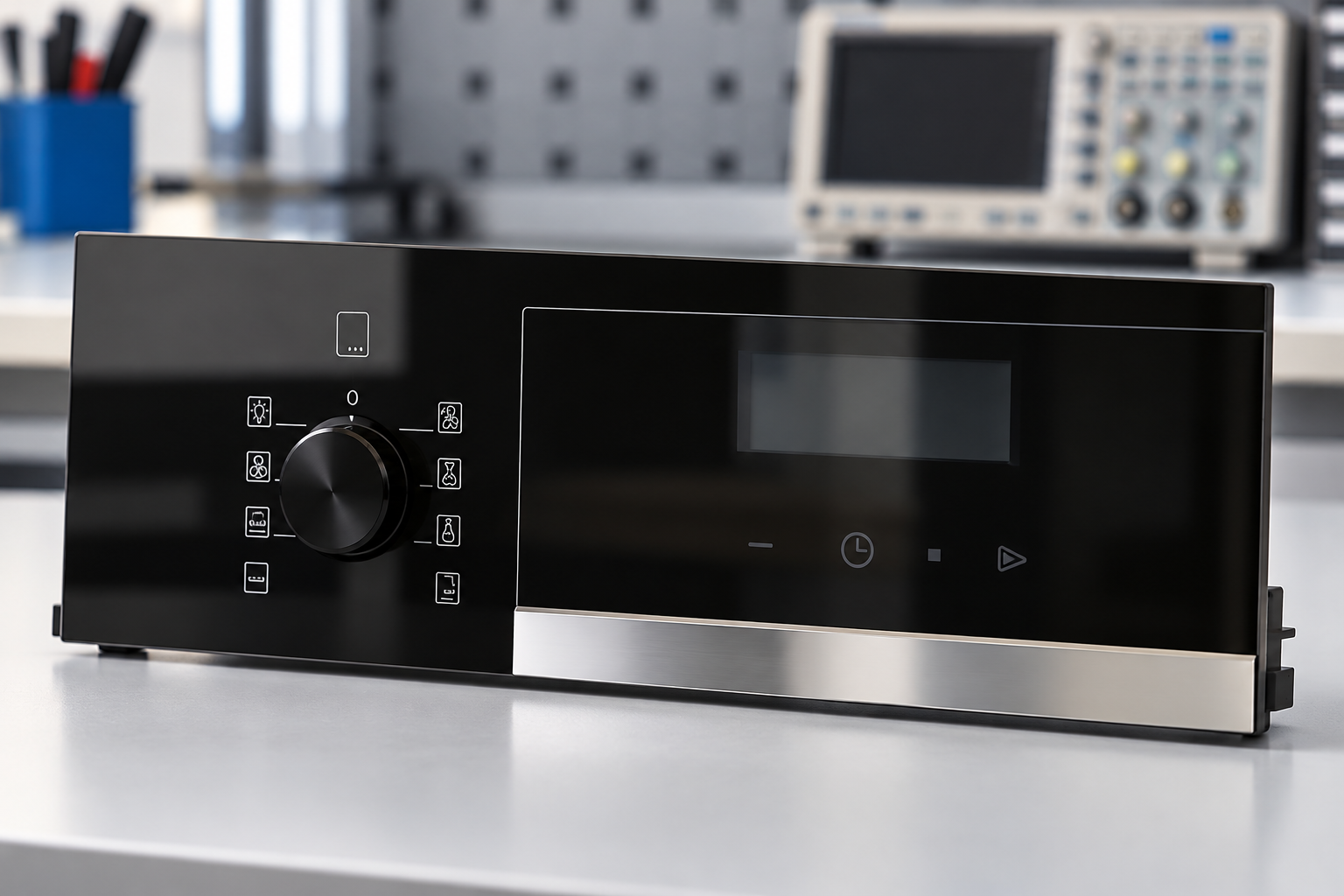
Keep functional zones clear on the drawing. Distinguish the touch target, illuminated symbol, display opening, opaque border, and any nearby conductive element. The relevant question is not simply whether the artwork looks centered; it is whether the artwork, electrode, illumination, and user target remain aligned through the permitted tolerances.
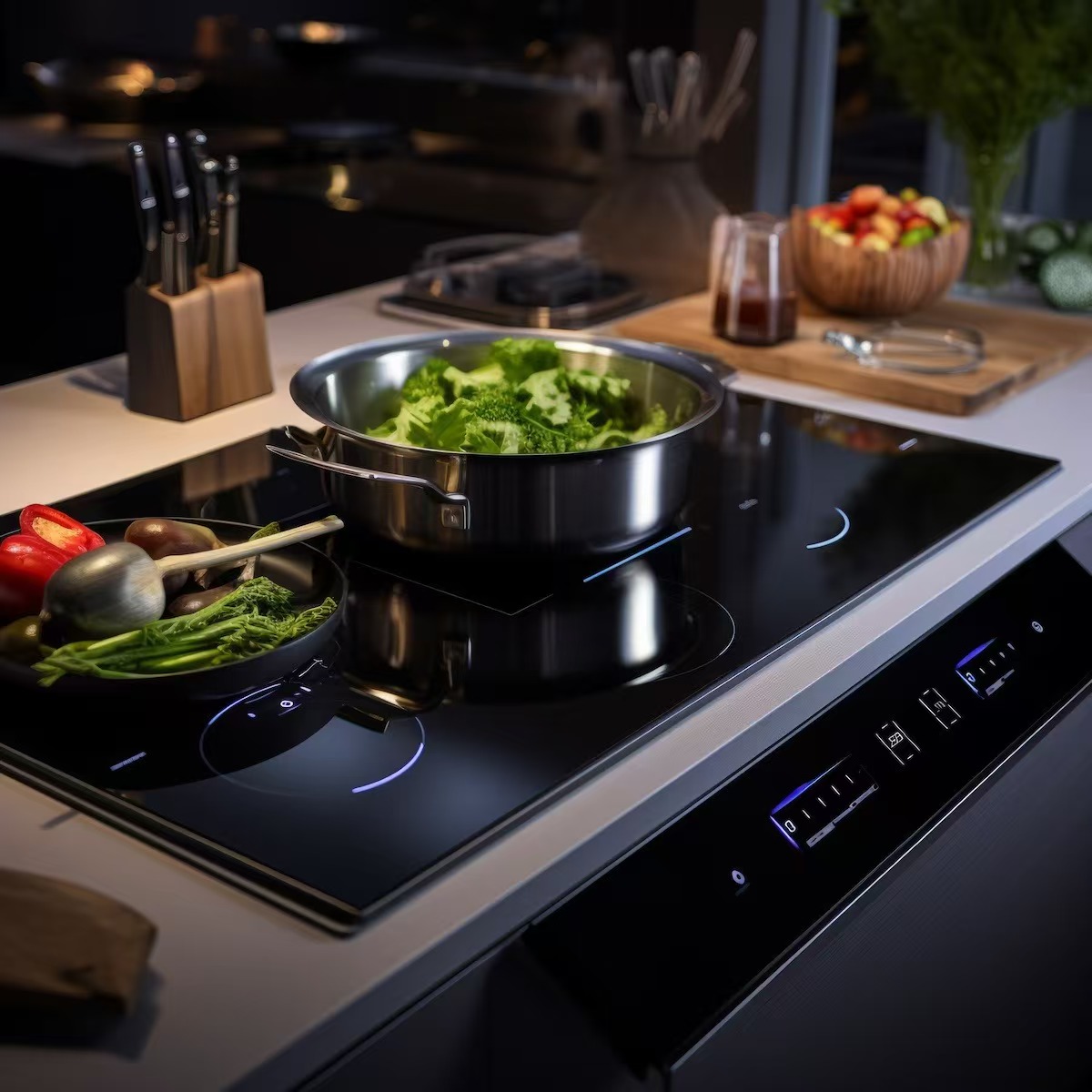
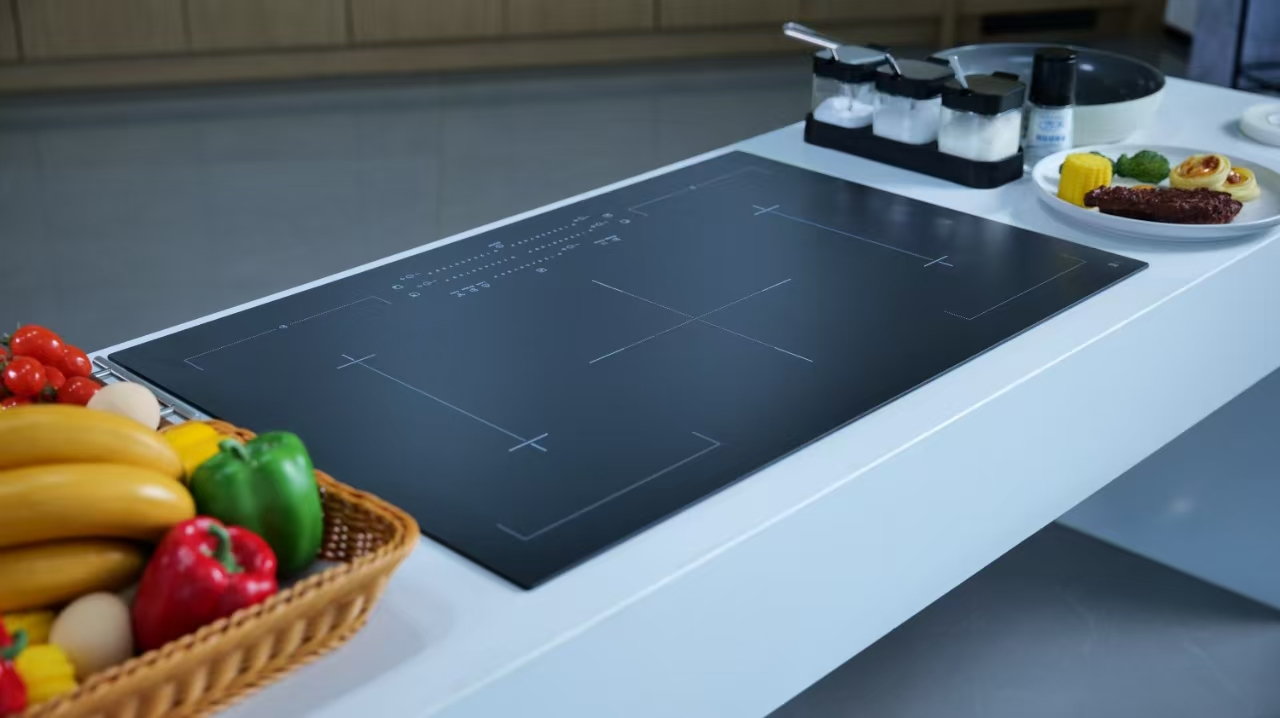
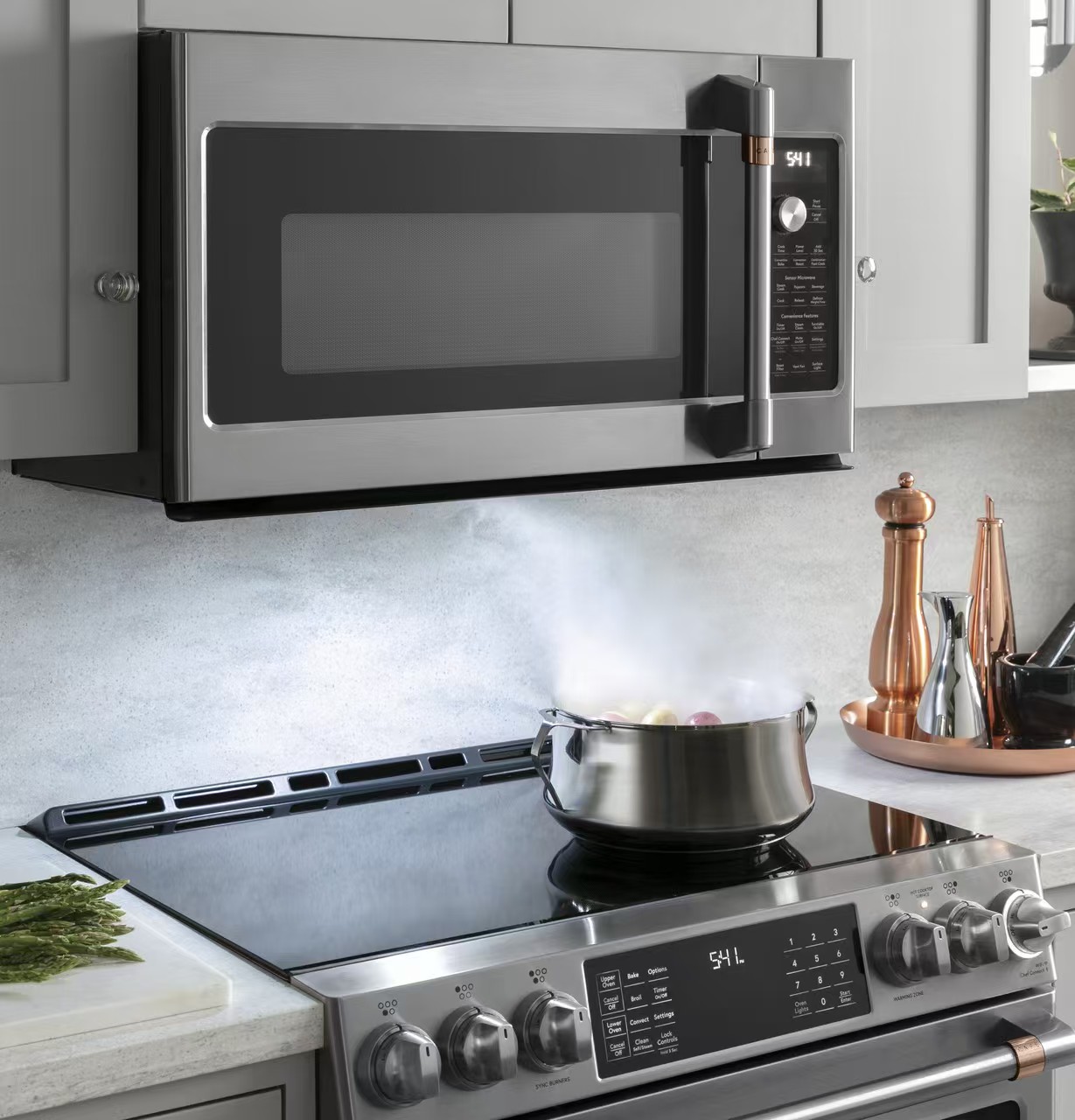
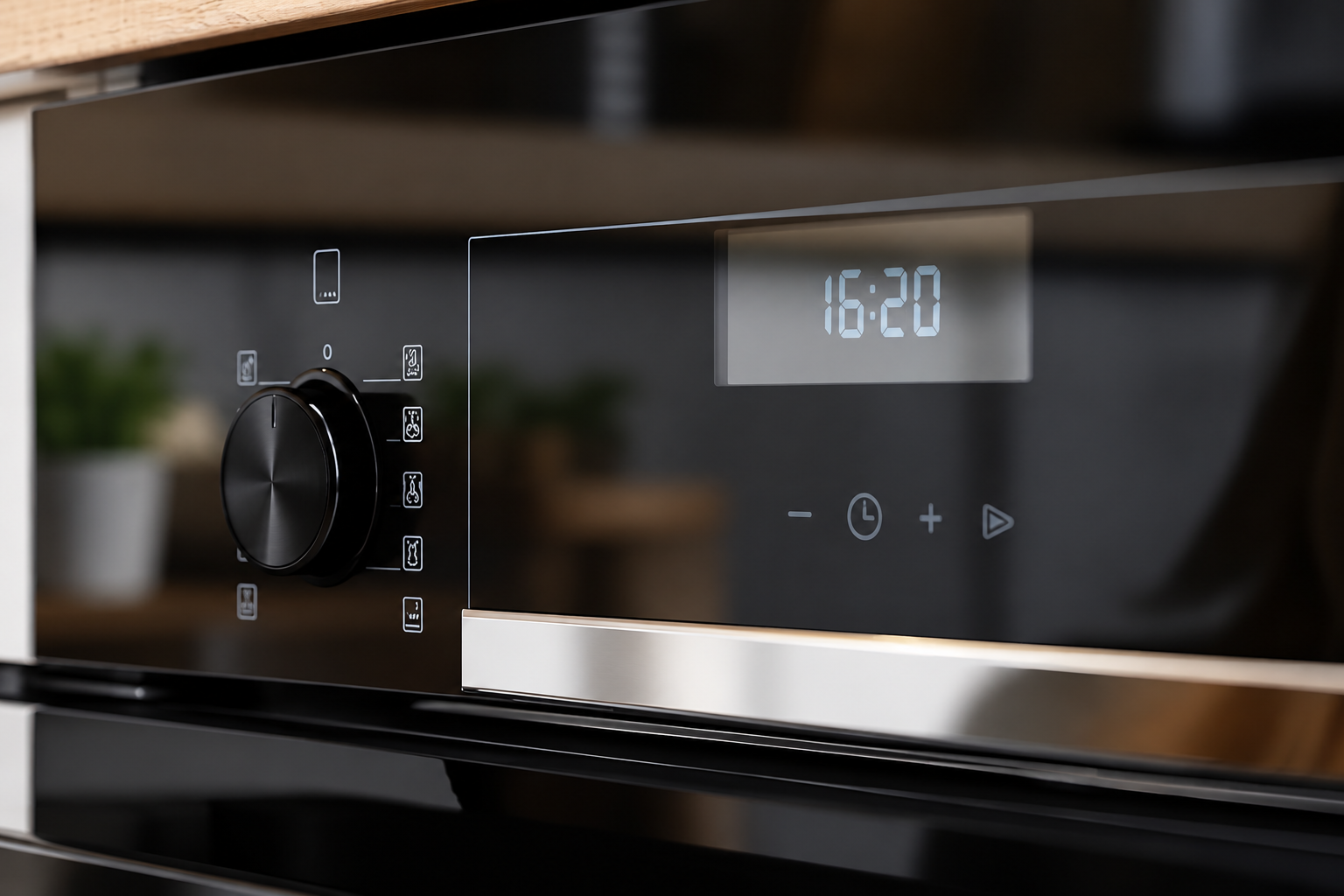
Kanger’s tempered household-appliance panel provides a component reference for this discussion. Exact layer properties and compatibility must be confirmed for the ordered part. The visible control symbols do not establish that every offered glass version includes a sensor or a qualified electronic assembly.
Use a shared review table
| Interface question | Glass or assembly information | Verification owner |
|---|---|---|
| Will the cover permit reliable detection? | Material, thickness, layers and coupling | Electronics team using the actual stack |
| Does the finger target match the electrode? | Artwork datums and positional tolerances | Mechanical and electronics teams together |
| Can assembly variation create a gap? | Adhesive, support and retention details | Assembly engineering |
| Will wet or contaminated conditions change behavior? | Expected spills, cleaning and surface state | Appliance validation team |
| Can nearby components disturb sensing? | Metalwork, display, wiring and power states | Electronics and compliance teams |
| What must be repeated after a change? | Material, print, coating and firmware revisions | Program change-control owner |
The table assigns questions, not universal engineering answers. Detailed electrode geometry and tuning should follow the selected controller’s guidance. Microchip’s capacitive touch sensor design application note covers topics including cover effects and sensor design; it is useful technical background rather than a Kanger product endorsement.
Test normal use and credible difficult conditions
Define ordinary operation first: intended users, target locations, touch duration, appliance state, and the response that counts as success. Record both detected touches and unintended activations. A demonstration with one operator and one carefully chosen touch is not enough to characterize production behavior.
Then define the relevant variations. These may include dry and wet surface conditions, approved cleaning residues, gloves if the product promises glove operation, different users, and the specified temperature or humidity range. Select conditions from the appliance requirements rather than adding arbitrary extremes. Testing should be conducted by the responsible team with appropriate equipment and precautions.
Include transitions as well as steady conditions. For example, a system may behave differently while a display changes state, power loads switch, or a wet surface dries. The test record should identify what happened before a missed or false touch. That context helps separate sensor tuning from a mechanical or environmental issue.
Do not solve every problem by increasing sensitivity
When detection is weak, first confirm the stack, electrode position, connection, and configuration. Increasing sensitivity may change the balance between missed touches and false activation. The correct adjustment depends on the controller and system requirements, so use measured evidence and the manufacturer’s design process.
Preserve the baseline and configuration used for each trial. If hardware, firmware, or mechanical assembly changes simultaneously, it becomes difficult to know which change affected the result. Plan comparisons that answer one question at a time where practical, then verify the final combined configuration.
If a supplier reports that a cover “works with capacitive touch,” ask what was tested. The answer should identify the sensor, stack, firmware or configuration, conditions, and acceptance criteria. A broad compatibility statement without those details is not equivalent to qualification of the customer’s appliance.
Keep illumination and touch validation connected
A symbol can be electrically responsive but hard to see, or visually attractive but misaligned with its effective touch region. Review the illuminated interface and touch behavior together. Check the intended on and off states, viewing conditions, and artwork registration without assuming that one successful photograph establishes both functions.
The backlit-panel guide addresses mask and illumination questions. The screen-printing specification guide covers complementary decoration requirements. Neither replaces system-level touch testing.
Also review cleaning and service instructions. A replacement panel should match the approved material and layer stack, not merely its outside dimensions. An apparently equivalent decorative cover may require requalification if its thickness, coating, or coupling arrangement differs.
Prepare a useful supplier handoff
Provide the drawing, material request, layer description, touch-zone map, artwork, and relevant assembly sections. Identify which properties the glass supplier must control and which performance checks the complete assembly owner will perform. Request samples that represent production materials and processing rather than generic display pieces.
Keep approved samples and reports linked to the same revision. If a print, coating, adhesive, or glass thickness changes, review the effect on touch performance before accepting the change as cosmetic. The appliance glass specification guide helps keep these interface requirements within the controlled purchase package.
Finally, document what is included in the supply scope. A glass cover, a decorated fascia, a sensor board, and a complete user-interface module are different deliverables. Clear scope prevents a buyer from expecting validated electronics when the order covers only the glass component.
Record the final controller configuration alongside the approved cover revision. Keeping these records together makes replacement-part reviews and future production changes much easier to evaluate without repeating undocumented trial-and-error adjustments.
Further learning: how touchscreens work
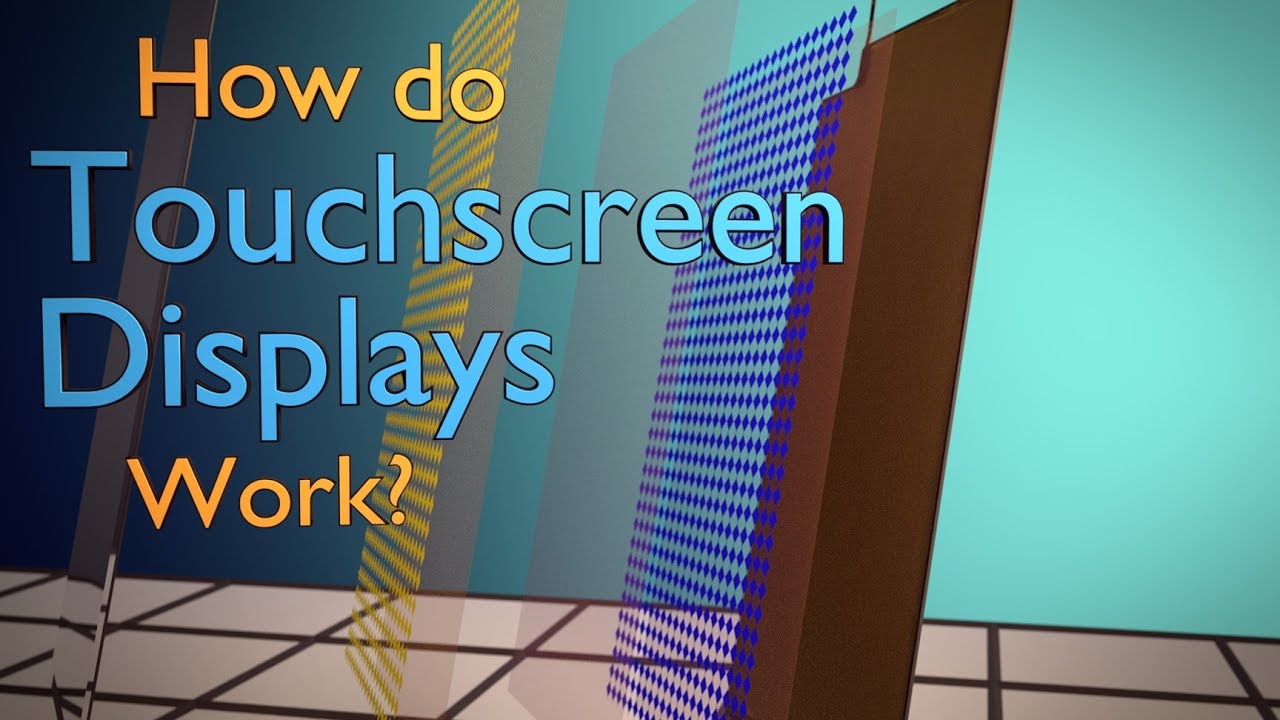
Branch Education explains the construction and operating principles of touchscreens. The educational animation is background for understanding the interface, not evidence that a particular appliance panel meets a specified touch-performance requirement.
Frequently asked questions
Can capacitive sensing work through glass?
Yes, with a suitable complete design. Performance depends on the cover, layers, gaps, electrodes, controller and operating conditions.
Is there one maximum glass thickness?
No universal maximum is established here. Reference-design results apply to their stated configuration; qualify the actual appliance stack.
Does a printed touch icon include a sensor?
Not necessarily. The visible artwork and the hidden sensing structure are separate items that must be defined in the supply scope.
Can a decorative coating change touch performance?
It can be relevant to the complete stack. Disclose coating and decoration changes to the electronics team and repeat the appropriate validation before release.